FAQ & SUPPORT

Answers and help for the Legendary Bedrock PBR Textures.

Frequently Asked Questions

How do I download and install the Bedrock PBR pack?

1) Go to Downloads and choose your resolution: Low, HD, or FHD.
2) Open the .mcpack file to import it into Minecraft Bedrock.
3) In Settings → Global Resources, activate the base pack and any addons. Then enable Vibrant Visuals for lighting and post FX.
Need help? See the Installation Guide.

What do Low, HD, and FHD mean?

They are texture resolutions. Each one means:

  • Low — Lower texture resolution for smoother FPS on less powerful hardware.
  • HD — Medium texture resolution for a good balance of visual quality and performance.
  • FHD — High texture resolution for the best visual fidelity on high-end systems.

Pick the highest one that still gives you smooth gameplay.

What are Addons and how do I use them?

Addons are optional mini-packs that change or enhance specific blocks, effects, or visuals. Access them from Downloads, then activate them above the base PBR pack in Global Resources.

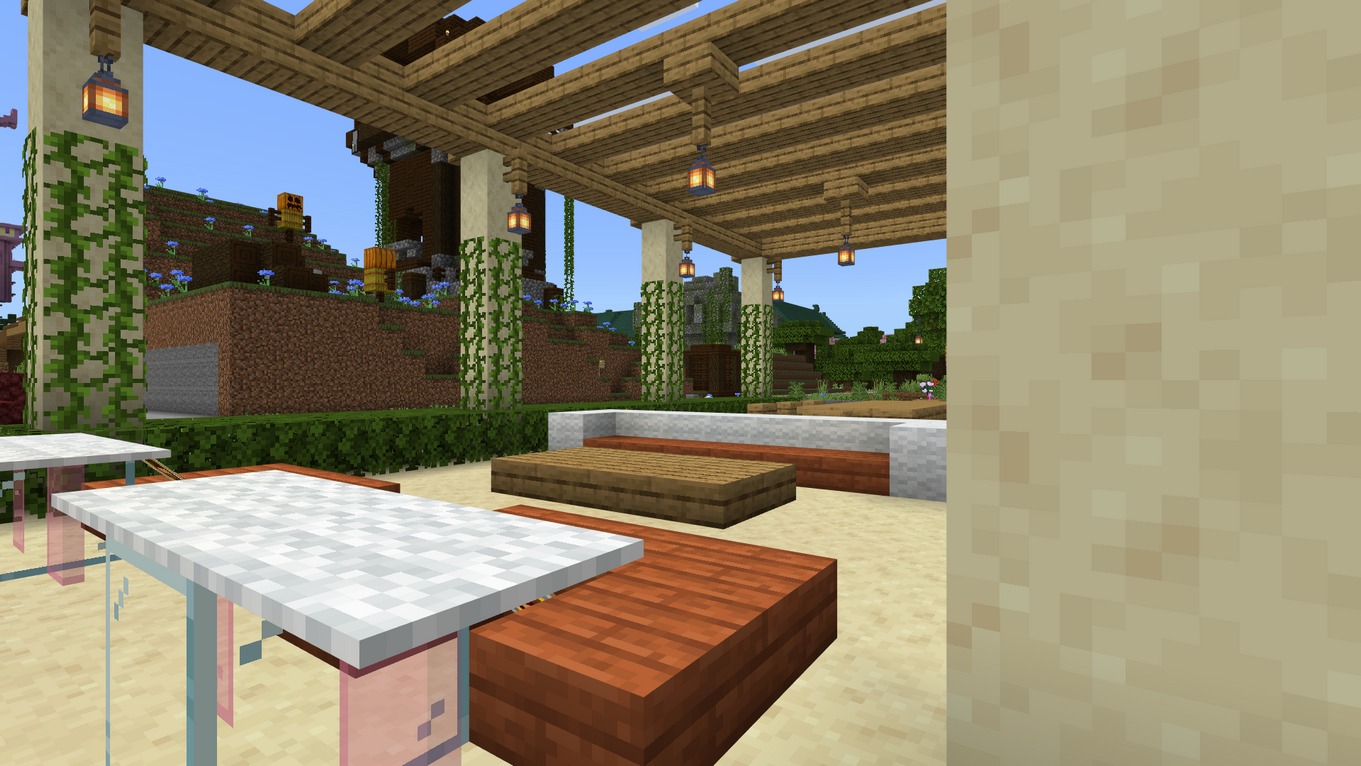
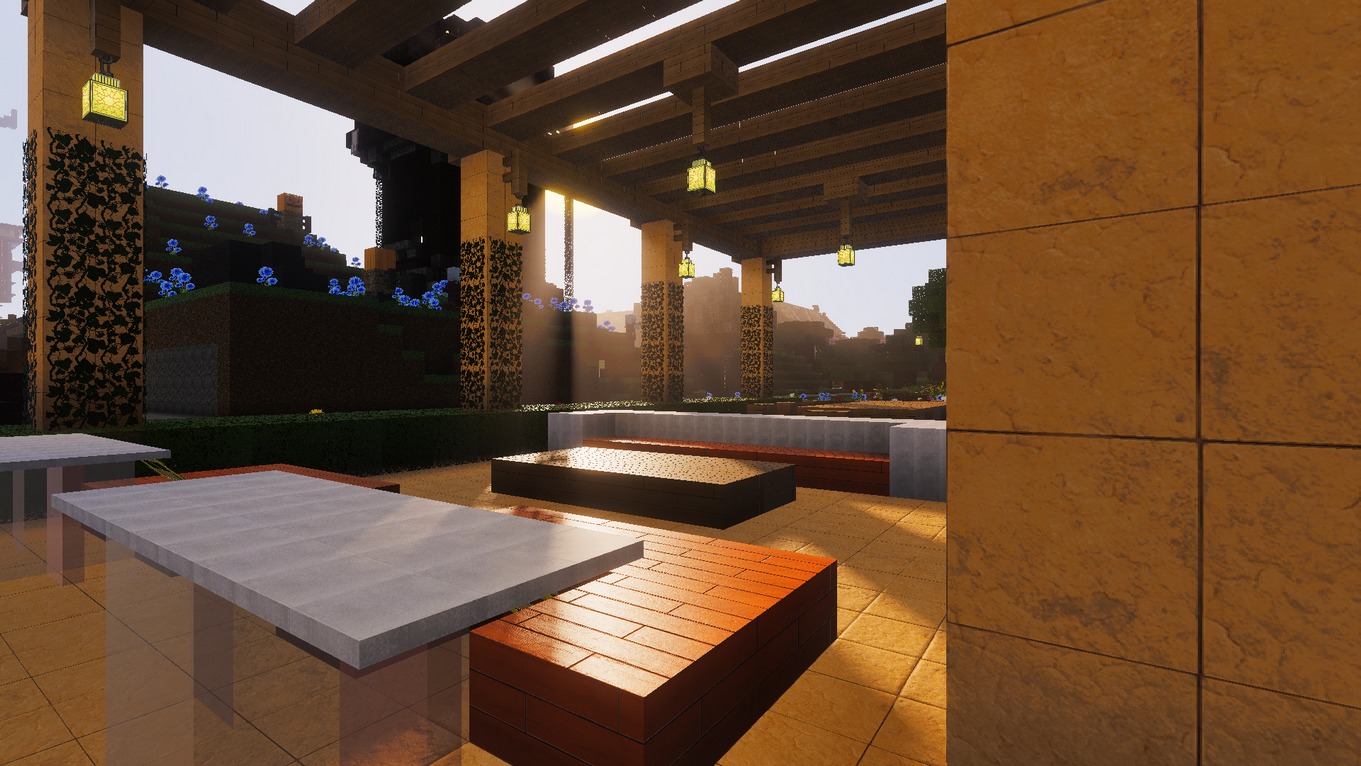
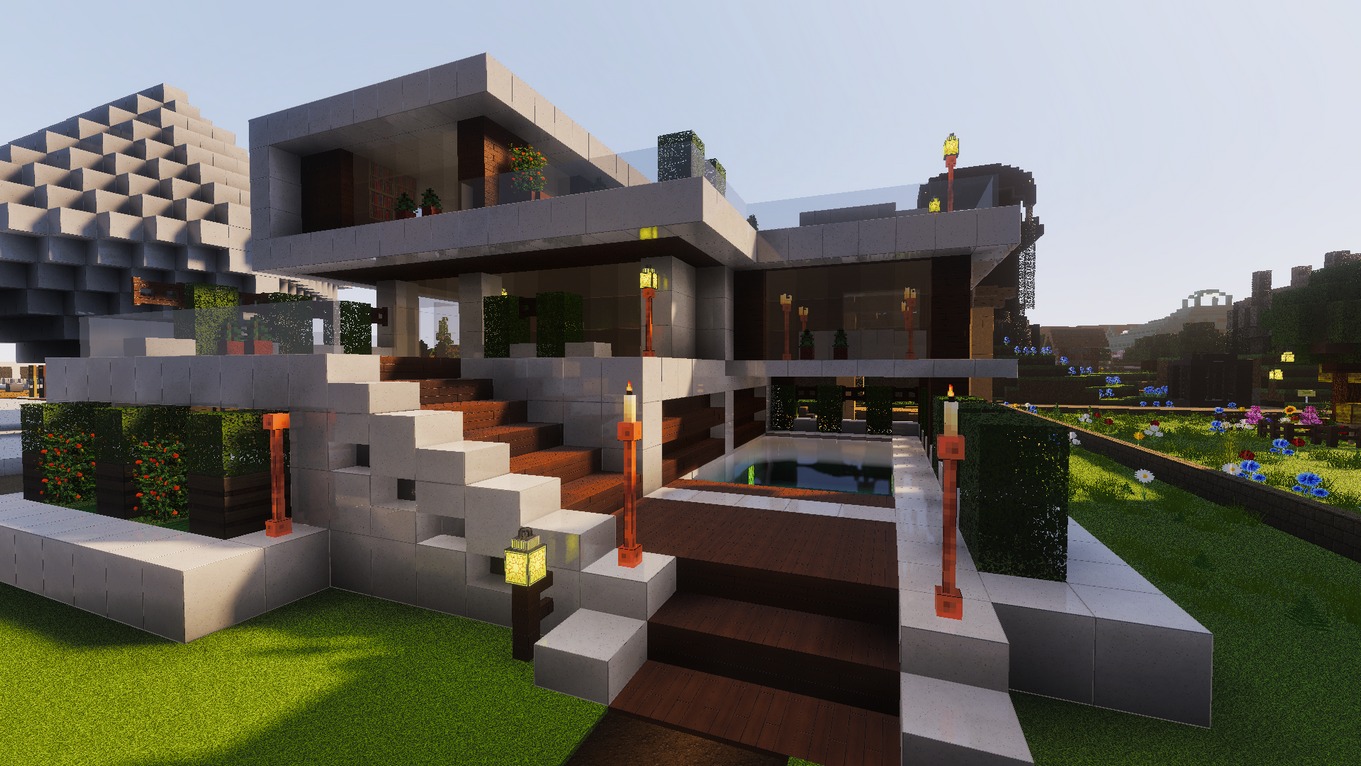
Why doesn't my game look like the screenshots?

Please make sure you have:

  • Enabled Legendary Bedrock PBR Textures in Global Resources.
  • Enabled Vibrant Visuals from Settings → Video → Graphics Mode.

Still not right? Contact us on the Discord server.

Where do I report bugs or get help?

The fastest way is to open a ticket on our Discord Server. Prefer email? Write to admin@legendaryrttextures.com.

Is the Bedrock PBR pack free?

Yes, there is a free Low-Resolution version. HD/FHD and Premium Addons are offered through a membership plan.

How can I improve FPS with PBR + Vibrant Visuals?
  • Use a lower texture resolution, for example try HD instead of FHD.
  • Lower Render Distance in Minecraft settings.
  • Disable V-Sync. Open %LOCALAPPDATA%\Packages\Microsoft.MinecraftUWP_8wekyb3d8bbwe\LocalState\games\com.mojang\minecraftpe\options.txt and set gfx_vsync:0.
  • Close background apps that consume GPU or VRAM.
What are the system requirements?

Minimum for Low

  • CPU: Intel i5 / Ryzen 5 or better
  • RAM: 8GB+
  • GPU: Budget to mid-range dedicated GPU with 4GB+ VRAM

Recommended for HD/FHD

  • CPU: Newer-gen i5 / Ryzen 5
  • RAM: 16GB+
  • GPU: Mid to high-end dedicated GPU with 8GB+ VRAM
Does this work on mobile or console?

Yes, this pack is designed for Minecraft Bedrock Edition and supports PCs, laptops, mobile phones, tablets, and consoles. The texture pack is optimized for Windows, so performance and visual quality may vary across different platforms and hardware.

Can I use the pack in videos or streams?

Yes. Please credit and link the official download page. Do not re-upload or redistribute the files.

DOWNLOAD

Get Legendary Bedrock PBR Textures base pack and expand with premium addons.

Base Pack PBR + Vibrant Visuals

LBPBR Base Pack Low

LBPBR Base Pack Low

Start for free with realistic textures for every Minecraft block, optimized for low-end devices.

  • Resolution: Low
  • Edition: Bedrock PC / Laptop / Mobile / Console
Download Free
LBPBR Base Pack HD and FHD Most Popular

LBPBR Base Pack HD and FHD

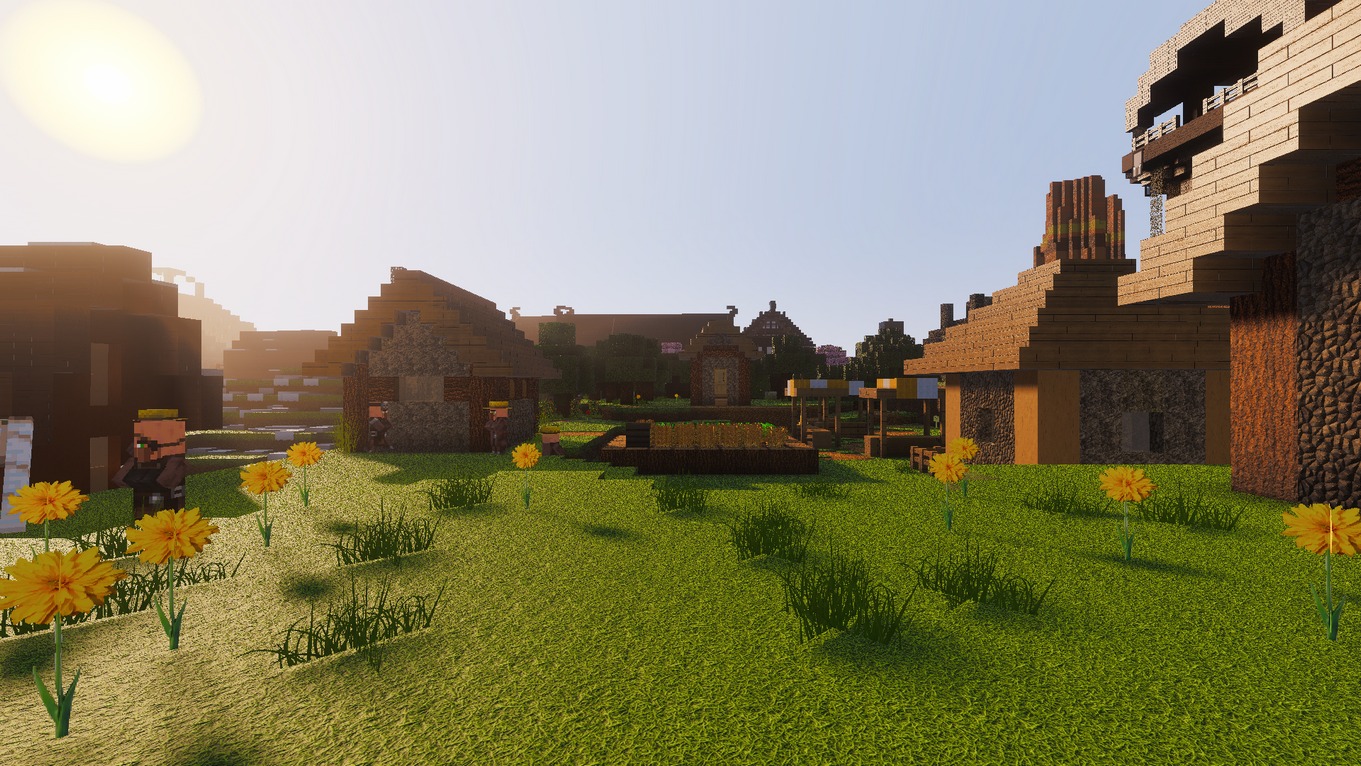
Get high-resolution realistic textures for all Minecraft blocks in HD and FHD for amazing detail.
  • Resolution: HD and FHD
  • Edition: Bedrock PC / Laptop / Mobile / Console
Get Access

Addons Optional Enhancements

Enhanced Visuals Addon

Enhanced Visuals Addon

Elevate your Minecraft visuals with realistic fog, dynamic lighting, shadows, improved PBR materials, water effects, and environmental details.
  • Resolution: Addon
  • Edition: Bedrock PC / Laptop / Mobile / Console
Get Access
Mobs and Items Addon

Mobs & Items Addon

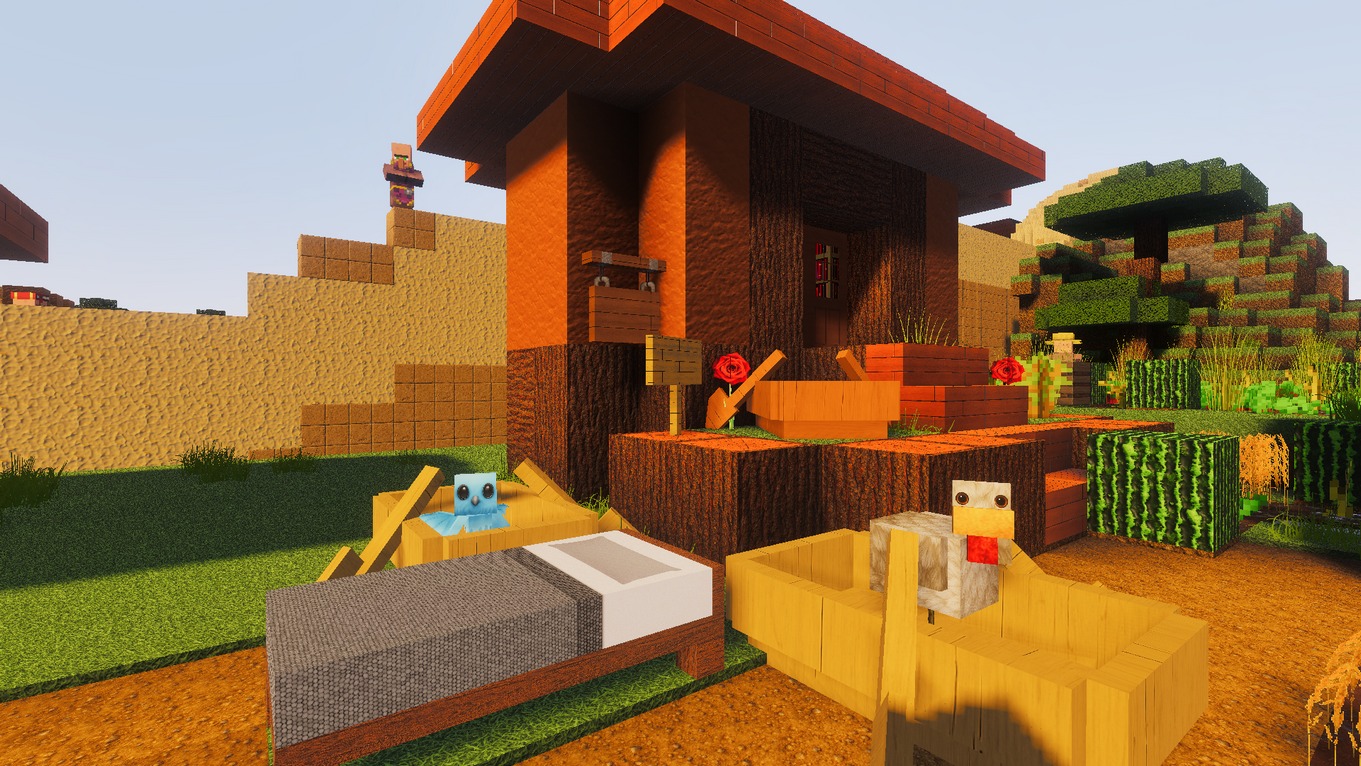
Make your mobs and items pop with detailed, realistic textures that bring them to life.
  • Resolution: Low / HD / FHD
  • Edition: Bedrock PC / Laptop / Mobile / Console
Get Access
Modern Paintings Addon

Modern Paintings Addon

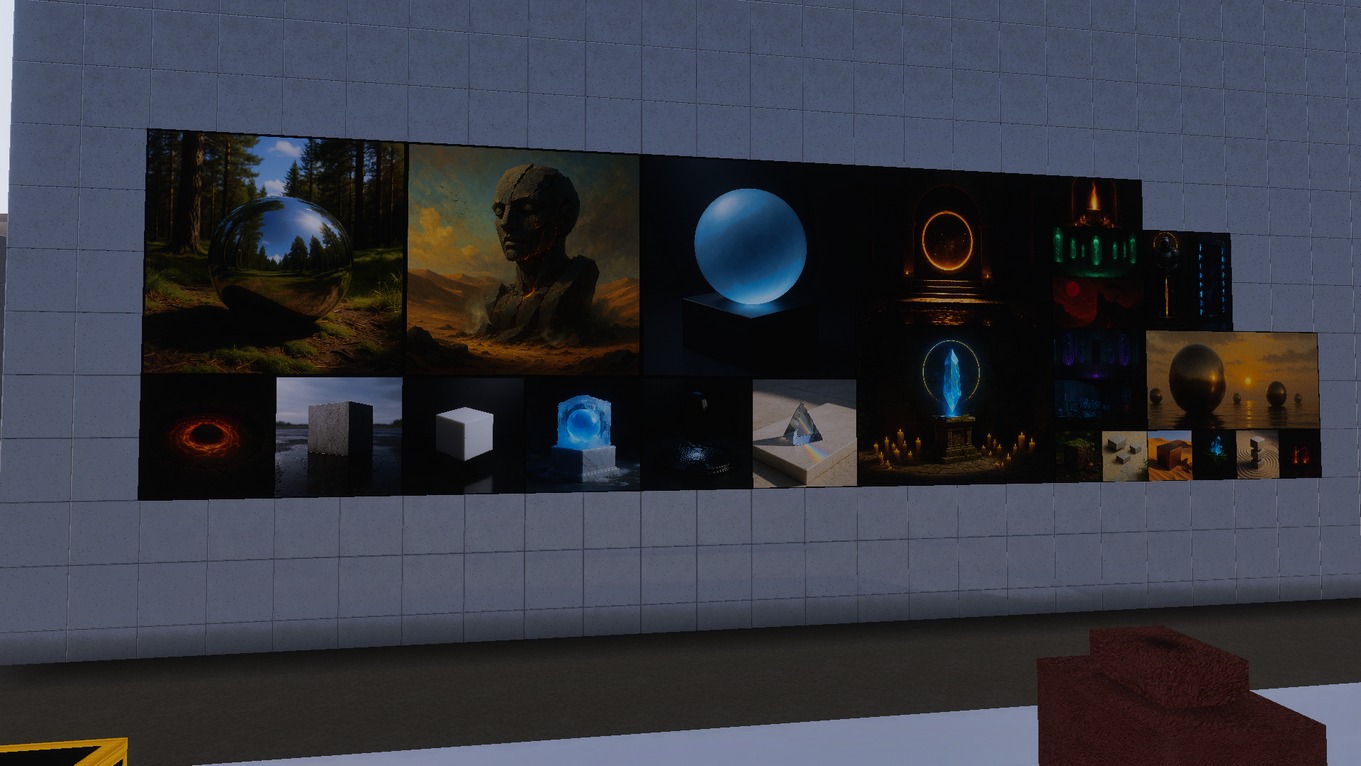
Replace vanilla paintings with contemporary, stylish designs that bring a modern artistic flair to your Minecraft builds.

  • Resolution: Low / HD / FHD
  • Edition: Bedrock PC / Laptop / Mobile / Console
Get Access
Need help installing? Visit the installation guide.

Preview

Before image After image

Resolution Compare

Before
After
Left comparison image Right comparison image

CONTACT US

Questions about packs, billing, or partnerships? Send us a message and we'll get back ASAP.

    This fallback form opens your email app. For direct website submissions, use the Contact Form 7 shortcode above.
    Minecraft Realistic Texture Packs & Mods

    LEGENDARY RT TEXTURES

    Experience the new reality of Minecraft with high-resolution PBR texture packs and mods for Minecraft

    Important Links
    Contact Us
    © 2020 – 2026 LEGENDARY RT TEXTURES, All Rights Reserved.

    “Minecraft” is a trademark of Mojang. This site is not affiliated with Mojang or Microsoft.