Follow these five short sections to install LRT Visuals on Fabric and use it with Legendary RT Java Textures.
mods/LRT Visuals .jar + Fabric API .jarresourcepacks/Legendary RT Java Textures .zipBefore you begin
- Use Minecraft Java Edition and check your exact Minecraft version in the launcher.
- LRT Visuals is a Fabric mod (.jar file), not a texture pack.
- It needs a compatible Fabric API (.jar file) for the same game version.
- It works alongside Legendary RT Java Textures (.zip resource pack), which is installed separately.
Download your files
- Start on the LRT Visuals project page.
- Choose a Minecraft version from the LRT Visuals release selector. Download only the file that matches your game version.
- Download the matching LRT Visuals .jar from the verified release. Do not use a build for another Minecraft version.
- Also download Fabric API .jar for the same Minecraft version. Get Fabric API ↗
- Finally, download the Legendary RT Java Textures pack as a .zip file.
Install Fabric and add the mods
- Run the official Fabric Loader installer. Choose your Minecraft version and create the Fabric profile. Official Fabric installer ↗
- On Windows, press Win + R, paste
%appdata%\.minecraft\mods; if missing, open %appdata%\.minecraft and create themodsfolder. - Move the LRT Visuals .jar file into
mods. - Put the matching Fabric API .jar into that same
modsfolder. - Do not extract the JAR files. Remove old, duplicate or incompatible copies.
Using macOS, Linux or a custom launcher?
Open the game directory for your Fabric installation, then its mods folder. Default locations:
- macOS:
~/Library/Application Support/minecraft/mods - Linux:
~/.minecraft/mods
For Prism, CurseForge or another launcher, use that instance's folder rather than the default .minecraft.
Enable the Java texture pack
- On Windows, open
%appdata%\.minecraft\resourcepacksin File Explorer. - Move the Legendary RT Java Textures pack ZIP file into this folder without extracting it.
- In Minecraft Launcher, select the matching Fabric profile and click Play.
- In Minecraft, open Options → Resource Packs and enable Legendary RT Java Textures.
- If you change packs while playing, press F3 + T to reload resources (optional).
macOS, Linux or custom launcher: use the resourcepacks folder inside the same Minecraft game directory used by your Fabric profile.
Launch, check and fix issues
- Open a world with the Fabric profile and the Java texture pack enabled.
- Check a supported effect, such as connected glass or an overlay. Exact features depend on your LRT Visuals release.
- If an effect is missing, check the Minecraft version, both JAR files, and whether the Java texture pack is active.
- Still stuck? Share your game version and latest.log in the Discord server.
Quick fixes
Minecraft crashes or says “Incompatible mods”
Check the exact game version and Fabric loader. Replace any wrong or duplicate LRT Visuals / Fabric API JAR files with matching versions. Read the error's missing-dependency message.
LRT Visuals loads, but nothing changes
Confirm the Java texture pack is enabled under Options → Resource Packs and that your LRT Visuals release supports the feature you are checking. Try F3 + T.
My Minecraft version is not in the download list
The selector displays supported published builds only. Use a listed version that matches your Minecraft installation, or ask on Discord for compatibility guidance. Do not install a JAR for a different game version.
Where are the PBR reflections and lighting?
LRT Visuals handles supported texture rules. Shader-based PBR visuals require a separate compatible Iris/shader setup; they are not provided by LRT Visuals alone.
Supported connected textures, overlays and color rules for Legendary RT Java Textures. Feature support varies by build.
The Java resource pack and any Iris/shader setup used for PBR effects. LRT Visuals is not a shader.
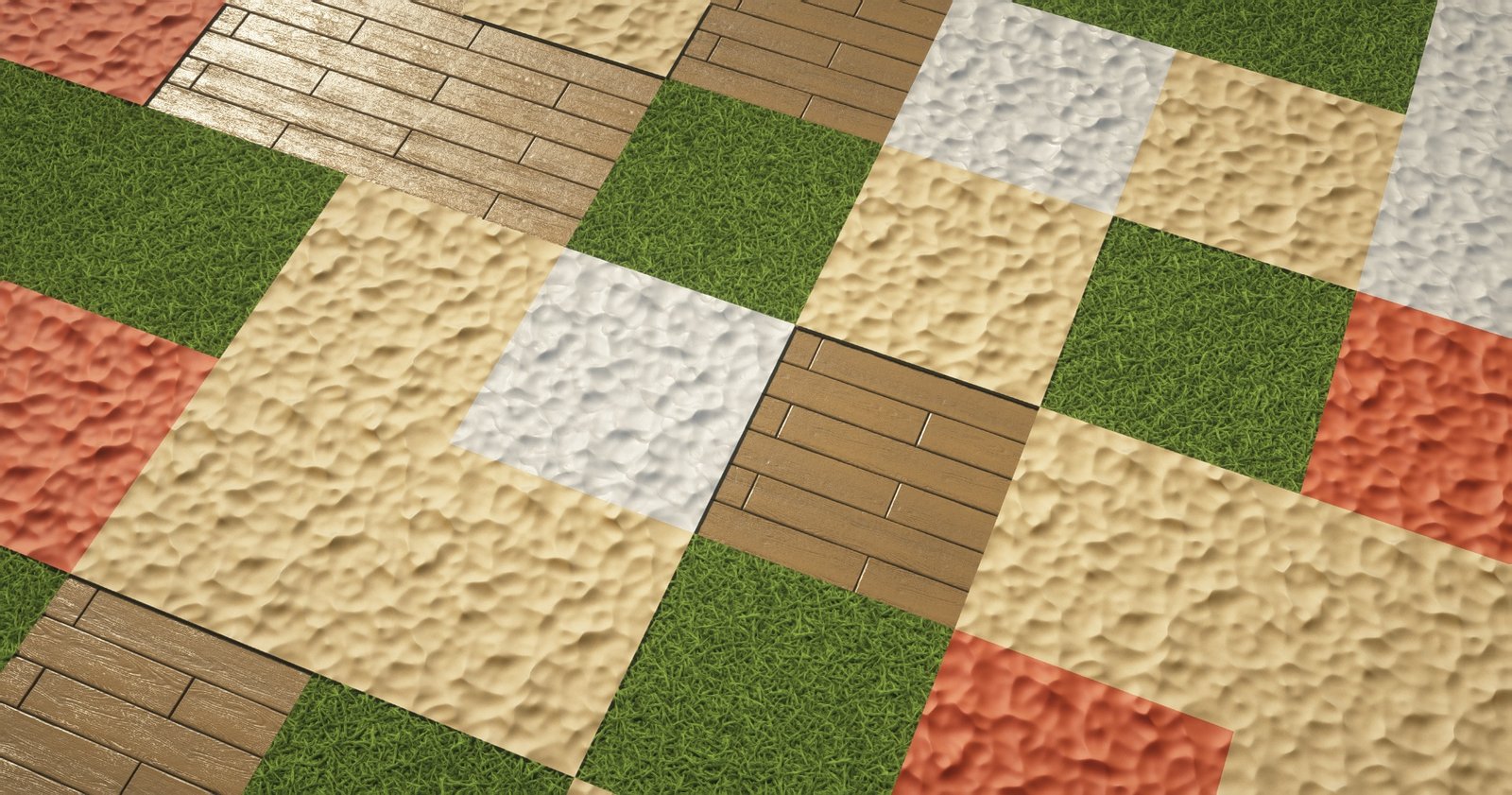
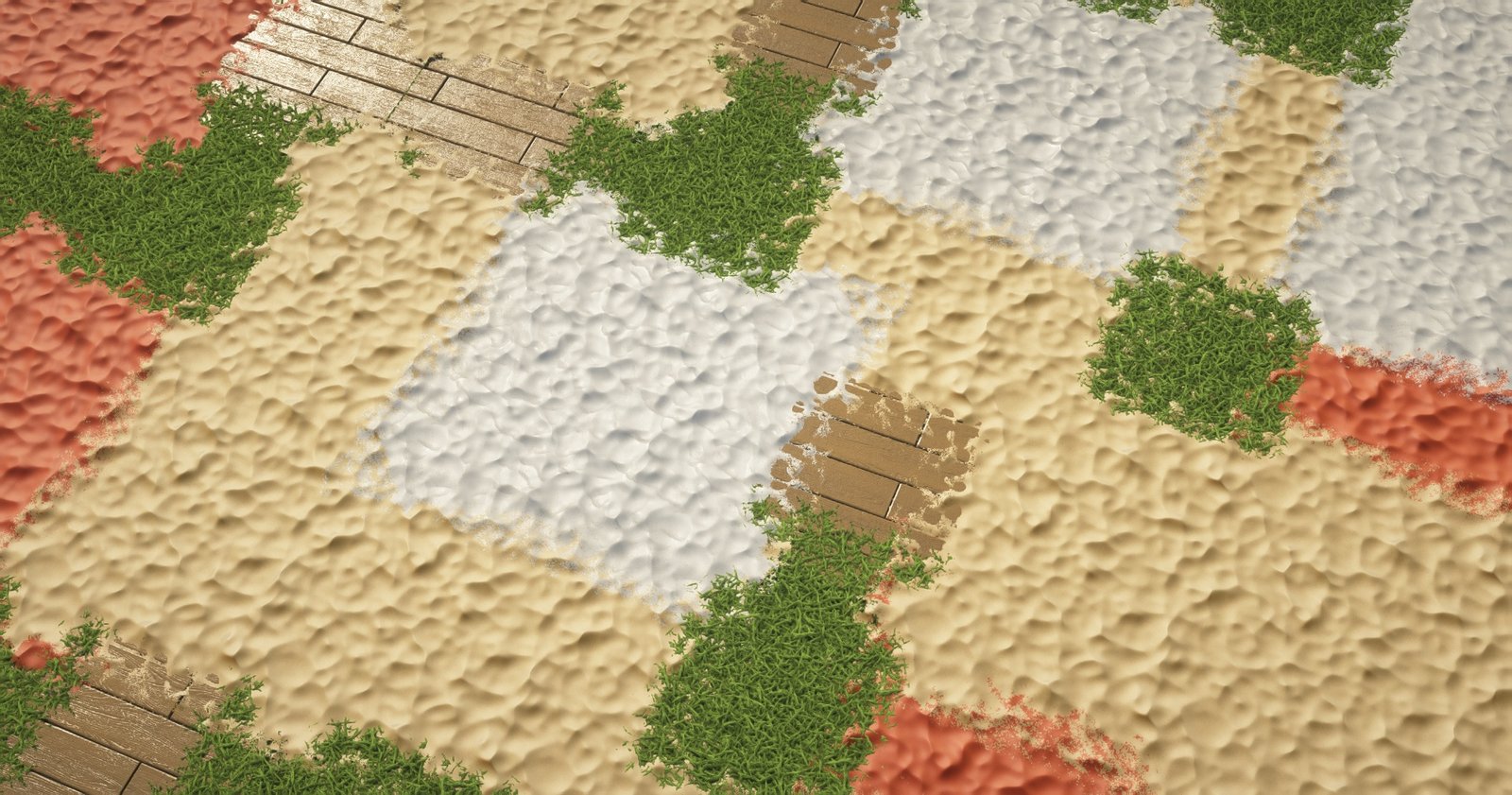
Optional: see what LRT Visuals changes
These are before/after examples, not installation screenshots.