
PBR material properties
Roughness, metalness and emissive material information work with Minecraft’s supported RTX renderer.
Make Minecraft Bedrock worlds respond to ray-traced light. Legendary Bedrock RTX adds detailed materials with reflections, roughness, metallic surfaces and glowing details on supported Windows PCs. Start with the free Low pack or choose HD/FHD textures and optional addons through Bedrock membership.


Legendary Bedrock RTX supplies physically based textures for Minecraft’s ray-traced graphics mode. Supported blocks respond to lighting with different reflections, material roughness and emissive effects.
The Low base pack is free. Bedrock membership adds higher-resolution HD and FHD options, plus optional fog, painting, mob, ore, coral and glass addons.
Roughness, metalness and emissive material information work with Minecraft’s supported RTX renderer.
Ray-traced reflections, illumination and shadows are provided by Minecraft’s graphics engine using the resource pack materials.
Low is free to download. HD and FHD are member options; higher-resolution packs may use more video memory.
Fog, mobs and items, paintings, glowing coral and ores, plus three frosted-glass variations.
Ray tracing requires Minecraft Bedrock on Windows and a compatible DXR-capable GPU. Bedrock PBR uses a different graphics mode. Microsoft’s RTX guide ↗
02 / Gallery
Browse ray-traced interiors, landscapes and material details. Lighting and effects may vary by game version and graphics settings.
Select an image to enlarge · ← → to browse
03 / Choose your download
Low is free. HD/FHD textures and eight optional addons are available with Bedrock membership.
 Get started free
The free Low edition for trying Legendary Bedrock RTX materials. Load it in Minecraft Bedrock on a supported Windows PC with Ray Traced graphics enabled. Use the current free FileLu download link below.
Premium packHigher-resolution base textures for members. Choose HD or FHD according to your hardware and available video memory; premium addons are offered separately in the downloads area.
Member downloads: Sign in to Patreon to access files included with your membership.
Choose only the extras you want. These 8 addons are available with the appropriate Patreon membership.
 MEMBER ADD-ON
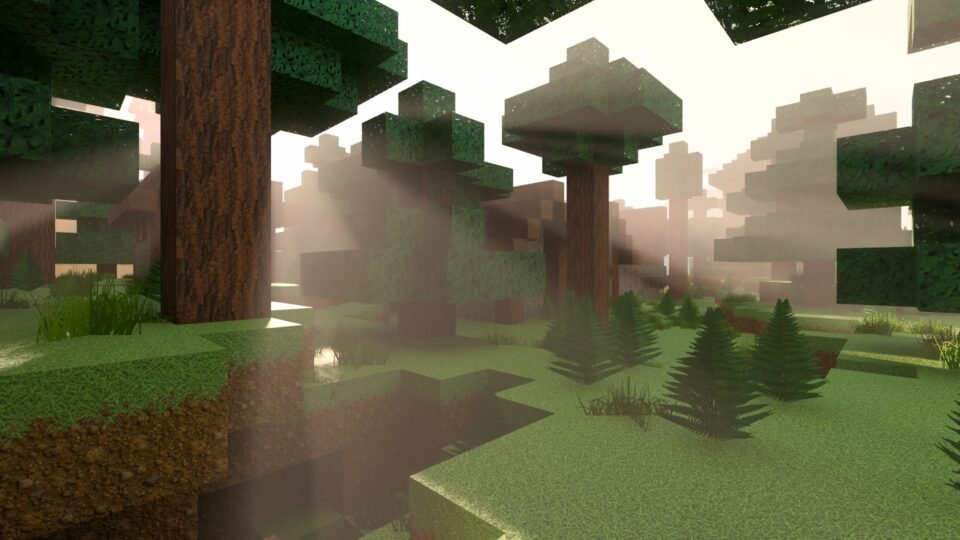
Changes the fog presentation for a different atmosphere in RTX scenes.
 MEMBER ADD-ON
 MEMBER ADD-ON
 MEMBER ADD-ON
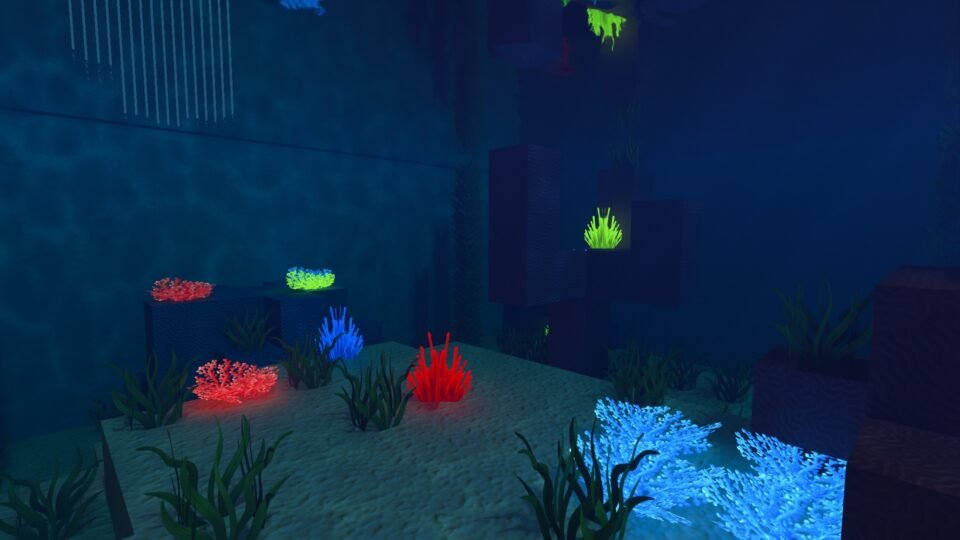
Adds emissive treatment to supported coral textures in ray-traced scenes.
 MEMBER ADD-ON
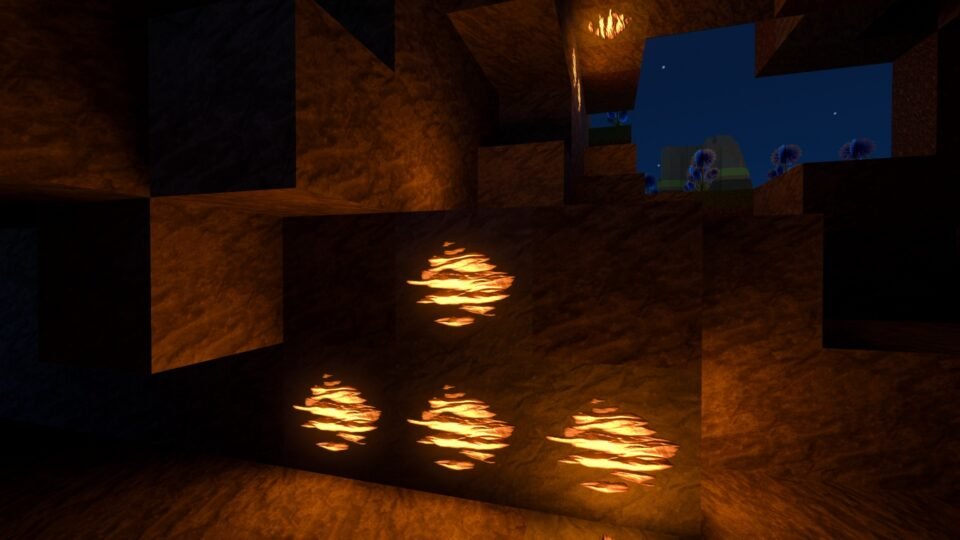
Adds glow effects to supported ore blocks, improving their visibility in dark areas.
 MEMBER ADD-ON
The first frosted-glass style, shown alongside its original before/after image.
 MEMBER ADD-ON
The second frosted-glass style, with a different tinted appearance.
 MEMBER ADD-ON
The third frosted-glass style, with a distinct patterned finish.
RTX needs supported Windows hardware and Ray Traced graphics. Bedrock PBR is the alternative for Vibrant Visuals devices.
04 INSTALLATION
Follow these steps, then choose a detailed guide for your setup below.
Choose the Low, HD or FHD .mcpack suited to your system.
Open the downloaded .mcpack with Minecraft Bedrock and let the import finish.
Enable it under Settings → Global Resources or your world’s Resource Packs. Place optional addons above the base pack.
On a compatible Windows PC with a DXR-capable GPU, open Video settings and select Ray Traced graphics.
The eight optional addons cover fog, mobs and items, modern paintings, glowing coral, glowing ores and three frosted-glass variations. Activate the base pack first, then place the addons you want above it in the active resource-pack stack. Check the release instructions if you use other packs alongside them.
Check that you are running Minecraft Bedrock on Windows, have a compatible DirectX ray-tracing GPU, activated the RTX base pack, and selected Ray Traced graphics. Lighting and appearance depend on your settings and any optional addons.BetterRTX is optional and may change the appearance.
Use the Discord server or email admin@legendaryrttextures.com. For technical issues, include your GPU, Minecraft version, pack version and a screenshot of the issue.
Try the Low or HD pack, reduce ray-tracing render distance, close GPU-heavy background applications, and use current graphics drivers. RTX rendering and higher texture resolutions can require substantial GPU and VRAM resources. Avoid editing game configuration files unless you understand the effects.
Ray Traced mode does not run on mobile or console editions. The Windows RTX pack and the separate Bedrock PBR / Vibrant Visuals pack are different releases for different graphics paths. Check the PBR page and your device’s supported graphics mode.
You can show the pack in gameplay videos or streams. Please credit Legendary RT Textures and link to the official project page. Do not reupload or redistribute the texture-pack files.
No matching questions. Try a different term, or ask in Discord.
06 Contact & support
Questions about ray tracing, account access, addons or billing? Use the official support channels.
Installation questions, issues and release discussions.
Join the Discord server ↗Billing, subscriptions, partnerships and questions best handled by email.
admin@legendaryrttextures.com ↗For billing help, include the email associated with your purchase. Never share passwords or payment-card details.
Send this message to our support inbox. For other contact options, see our contact page ↗.
