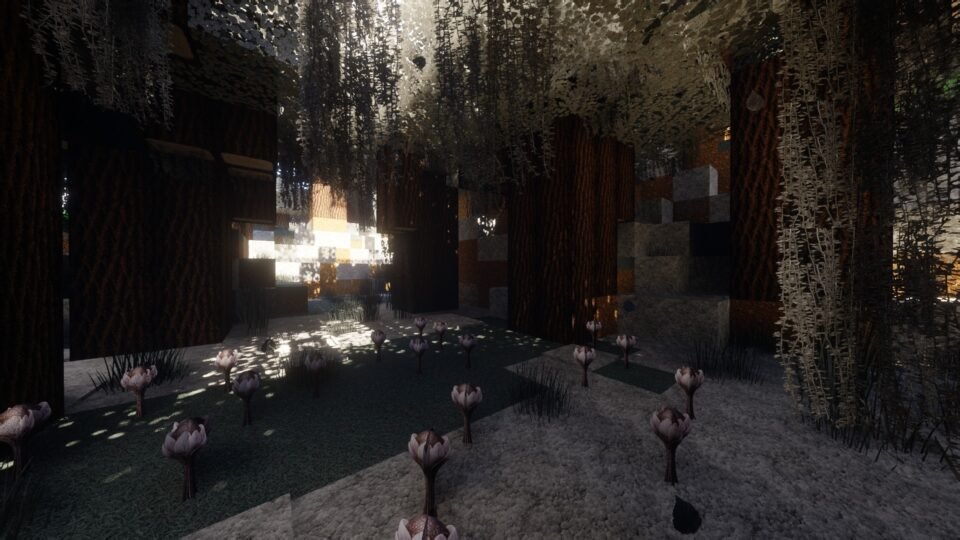
Architectural details
3D building models intended for interior, exterior and landscape designs.
Bring Sci-Fi architectural models to Minecraft Bedrock Edition. This premium addon adds building elements for interior, exterior and landscape projects and is available with a Bedrock Patreon membership.
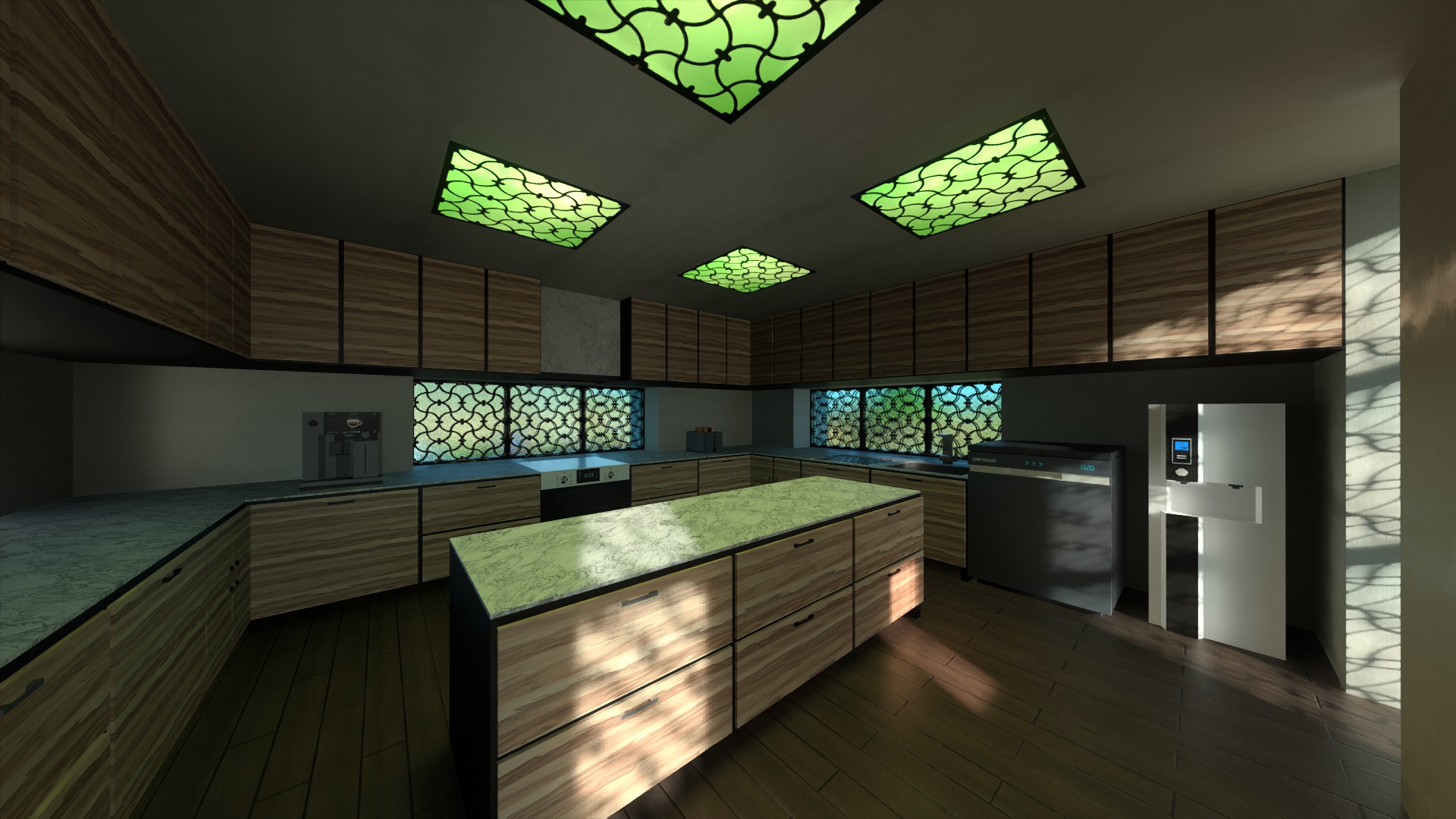
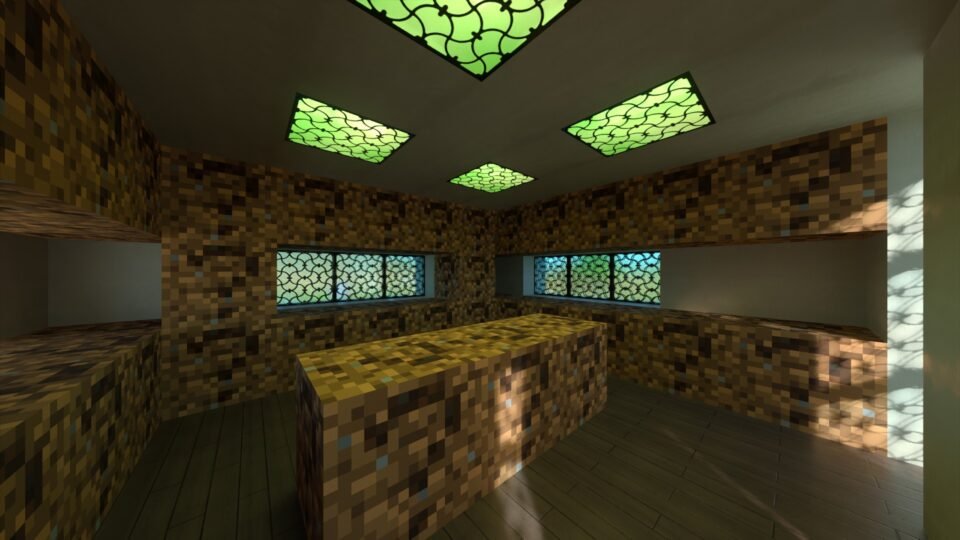
The Sci-Fi Addon brings custom architectural elements to Bedrock for interior, exterior and landscape builds. It is a separate release from the Java Forge/NeoForge mod.
Current version: v0.1. The addon is available to Bedrock Patreon members. Choose the file that matches your device and supported graphics mode.
3D building models intended for interior, exterior and landscape designs.
A separate Bedrock addon, not a Forge/NeoForge mod or a Java resource pack.
Rendering may differ between standard Bedrock graphics, ray tracing and Vibrant Visuals.
Available to Bedrock Patreon members. Select the file suited to your device and graphics mode.
This is a Bedrock addon, not a Java mod. Install any resource and behavior pack components included with the download. Read the setup guide
02 / Gallery
Images from the Sci-Fi Addon release, showing its architectural models in Minecraft Bedrock.
Select an image to enlarge · ← → to browse
03 / Choose your download
This addon is available to Bedrock members. Check the member download for available resolutions and supported game versions.
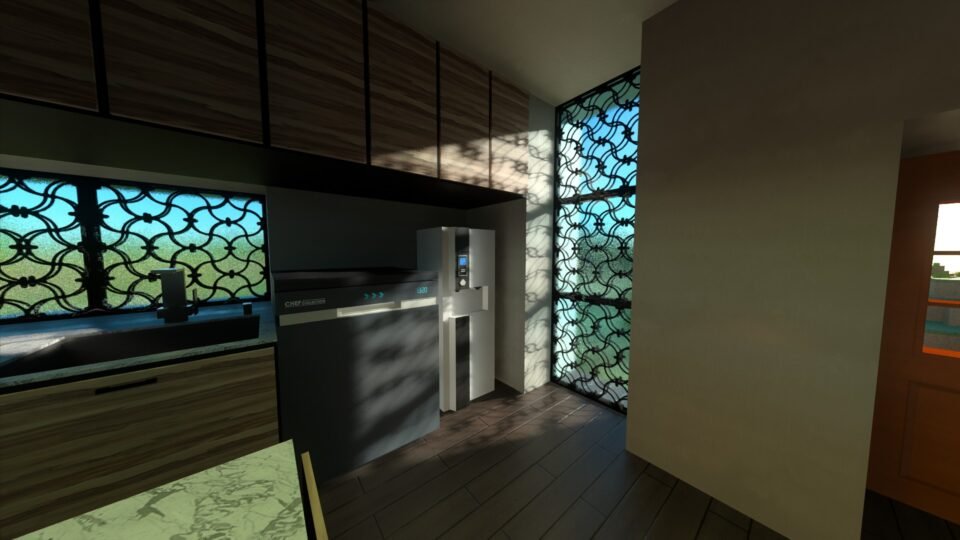 Premium pack
Architectural 3D models for Bedrock builds, with available variants for supported Bedrock graphics modes. Access is through the member download link.
Member downloads: Sign in to Patreon to access files included with your membership.
The Sci-Fi Addon is a premium Bedrock release included with an eligible Patreon membership. Choose a file that suits your device and graphics mode.
Install the addon file compatible with your Minecraft Bedrock version and graphics mode.
04 INSTALLATION
Follow these steps, then choose a detailed guide for your setup below.
Get the member-only .mcaddon file for Minecraft Bedrock.
Open the .mcaddon with Minecraft Bedrock on a supported device and wait for import.
In the world settings, enable both the included Resource Pack and Behavior Pack. Open the world to confirm models appear; use experimental settings only if that release requires them.
Download the member file, open its .mcaddon package with Minecraft on a supported device, and enable the downloaded resource pack in your world. If a behavior pack is included, enable that in the same world too. For console workflows and screenshots, use the installation guide.
Choose LOW NON RTX for standard Bedrock graphics, or LOW RTX, HD RTX or FHD RTX for supported ray-tracing devices. Higher resolutions may require more device memory.
Choose a lower pack tier if available, reduce render distance and background GPU load, and try standard graphics before enabling more demanding effects. Performance depends on the device, world complexity and graphics mode; there is no guaranteed FPS target.
Yes, as stated on the project page. Please credit Legendary RT Textures and link the official project page; do not redistribute the addon files.
Use the Discord server or email admin@legendaryrttextures.com. Include your device, game version, addon tier, screenshot and the steps you tried. For billing, include the email associated with your purchase but never share passwords.
No matching questions. Try a different term, or ask in Discord.
06 Contact & support
For Bedrock installation, device-specific pack activation, missing models and membership access, use these official support channels.
Importing addon files, world activation, missing models, graphics modes and general setup.
Join the Discord server ↗Membership access, billing, partnerships or personal account issues.
admin@legendaryrttextures.com ↗For billing help, include the email associated with your purchase. Never share passwords or payment-card details.
Send this message to our support inbox. For other contact options, see our contact page ↗.