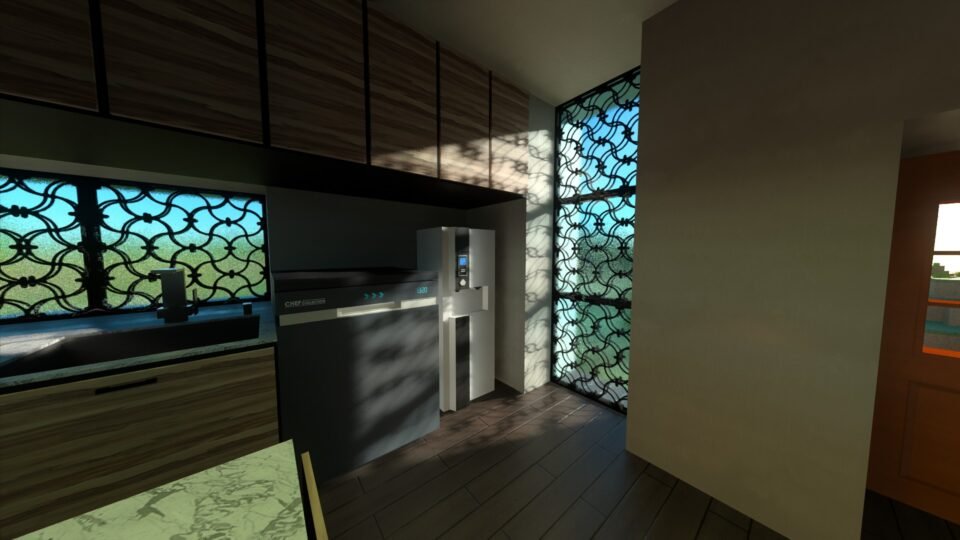
Detailed building models
Architectural details for interior rooms, building exteriors and landscaped scenes.
Bring modern and futuristic architecture to Minecraft Java Edition with detailed 3D models for interiors, exteriors, and landscapes. Download the Sci-Fi Mod for free and pair it with the premium Sci-Fi Texture Pack for the complete experience.
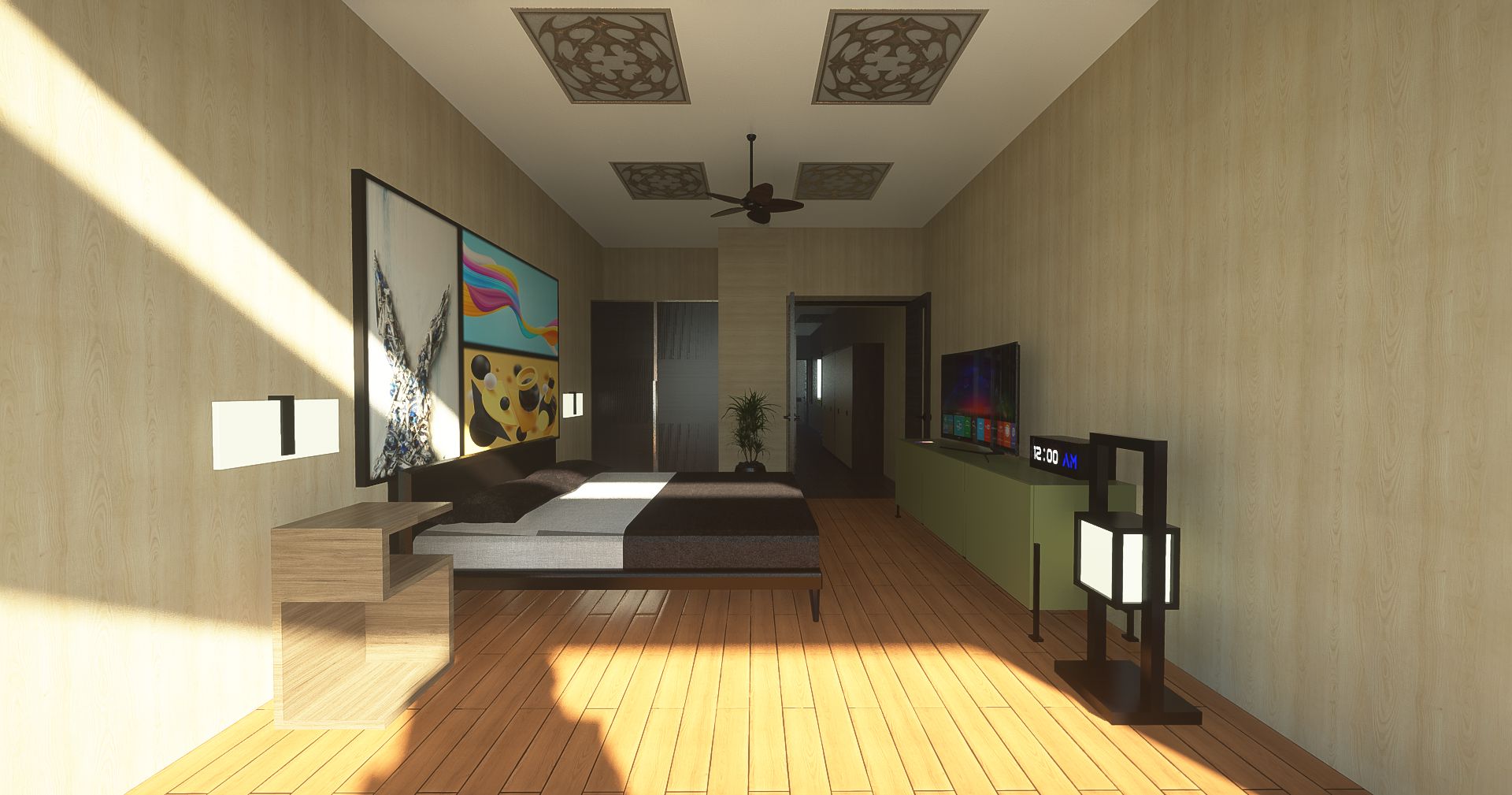
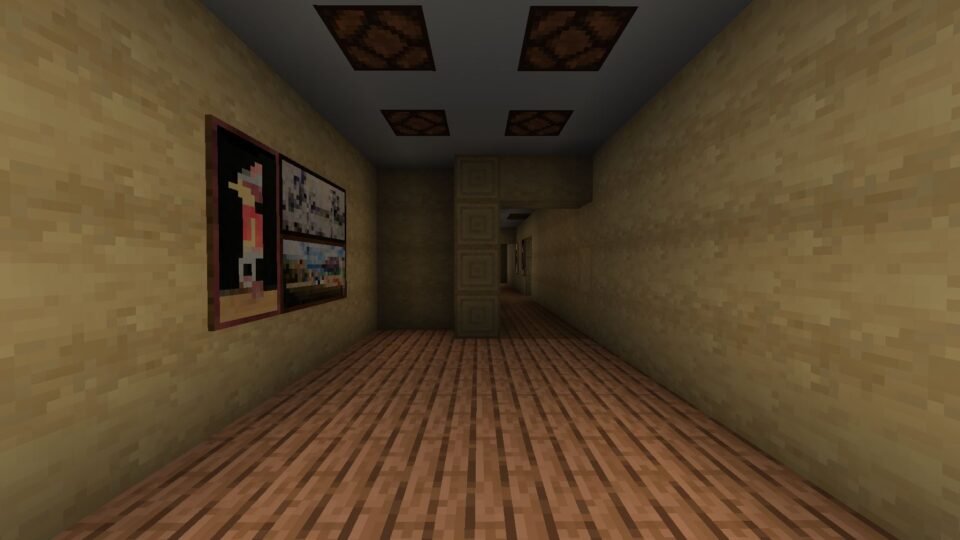
The Sci-Fi Mod adds custom 3D architectural building elements to Minecraft Java Edition, including models for interior, exterior and landscape designs. It is designed primarily for creative building.
Use the Sci-Fi Mod and Sci-Fi Texture Pack together with a supported Forge or NeoForge version. A compatible shader is optional for PBR effects.
Architectural details for interior rooms, building exteriors and landscaped scenes.
The required Sci-Fi Texture Pack is available in four resolutions.
Three Forge versions and three NeoForge versions, each requiring its matching mod file.
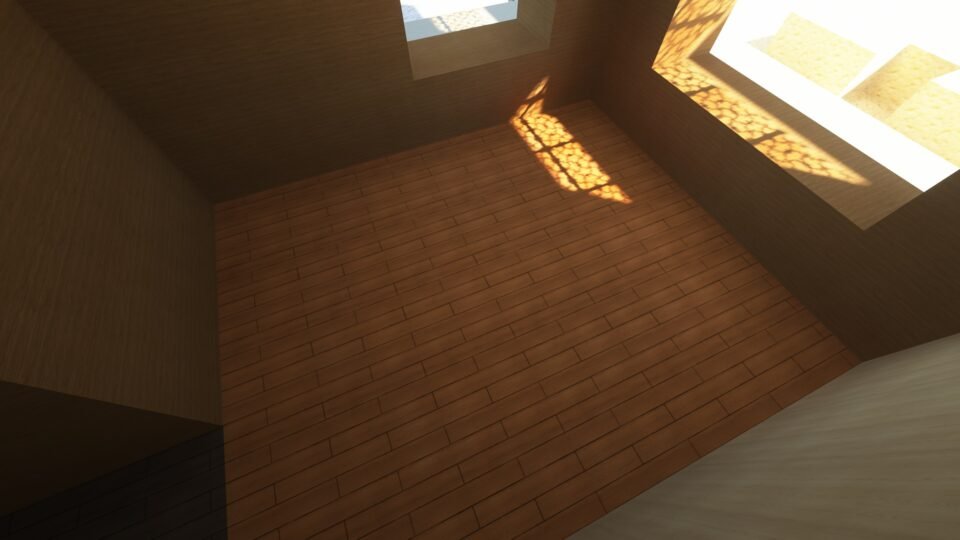
Use a compatible shader setup if you want to display PBR material effects shown in some preview images.
Choose a Sci-Fi Mod JAR that matches your Minecraft version and Forge/NeoForge loader. Both the mod and texture pack are required. Read official Sci-Fi updates ↗
02 / Gallery
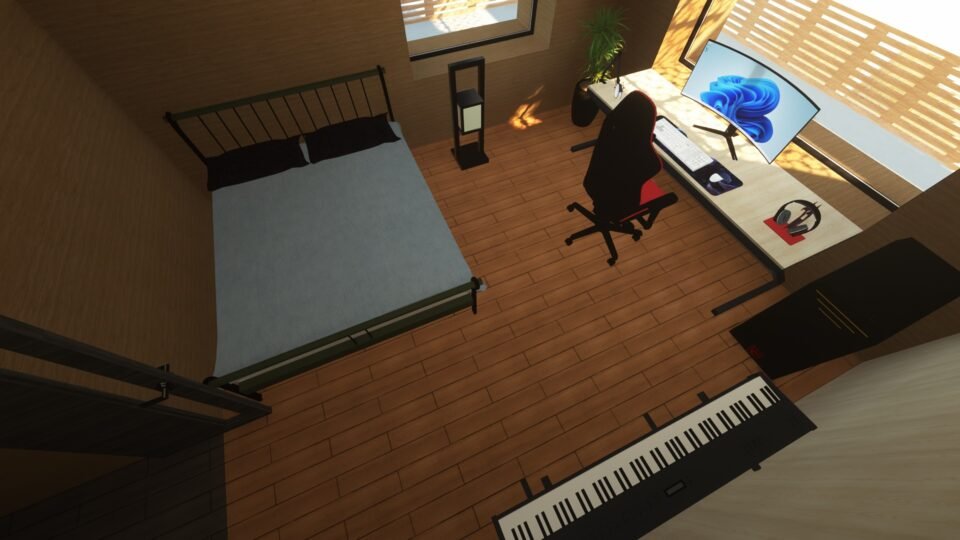
Architectural models, interiors and exterior scenes from the Sci-Fi Mod. Select an image for a closer view.
Select an image to enlarge · ← → to browse
03 / Downloads
Download the Sci-Fi Mod for free. The companion Sci-Fi Texture Pack is available with an eligible Java Patreon membership. Both files are needed for the complete project.
 SCI-FI MOD
Adds the architectural 3D models. Install the mod JAR matching your Minecraft version and Forge or NeoForge loader.
 SCI-FI TEXTURES
Provides the textures required for the Sci-Fi Mod models. Choose the resolution that fits your setup.
Member downloads: Sign in to Patreon to access files included with your membership.
Install the Sci-Fi Mod JAR in mods and activate the Sci-Fi Texture Pack ZIP under Resource Packs. Both are required.
04 INSTALLATION
Follow these steps, then choose a detailed guide for your setup below.
Download the free Sci-Fi Mod.jar for your Minecraft version and the matching Sci-Fi texture-pack .zip. Both are required.
Use Forge for Minecraft 1.16.5, 1.19.2 or 1.20.1; NeoForge for supported 1.21.x releases. Match the loader and mod versions.
Put the mod .jar in mods and the Sci-Fi texture-pack .zip in resourcepacks. Keep the ZIP compressed.
Start Minecraft with the matching Forge/NeoForge profile, then enable the required Sci-Fi texture pack under Options → Resource Packs. A PBR shader is optional.
Forge: 1.16.5, 1.19.2, 1.20.1. NeoForge: 1.21.1, 1.21.4, 1.21.8. Download the build that matches your game and loader exactly.
No shader loader is required just to install the Sci-Fi Mod’s building models. For PBR lighting and material effects, use a compatible shader and loader combination; support depends on the Minecraft version and your mod setup. Follow the shader guide rather than assuming one shader stack works on every Forge/NeoForge version.
That’s the texture resolution. Higher means sharper, but it needs more GPU/VRAM and RAM.
For the required Sci-Fi texture pack, start with 128× or 256× and increase resolution only if the game runs smoothly.
Both the Sci-Fi Mod and Sci-Fi Texture Pack are required. Use a compatible PBR shader only if you want enhanced lighting and material effects. Results also depend on the game version, graphics settings and lighting. See Shader & PBR Setup.
There is no single reliable FPS or hardware minimum for all six game versions, four texture resolutions and optional shaders. Start with 128× or 256× materials, a modest render distance and no shader. Increase the quality after confirming stability. Higher resolution packs, large builds and demanding shaders increase memory and GPU use.
If you have problems, share your Minecraft version, loader version, pack resolution, system specifications and latest.log with support.
This can be caused by insufficient available memory, an incompatible pack, a mod conflict or invalid resources — not only VRAM. Try lowering material resolution, checking versions, reducing other resource packs and restarting the game. If it continues, review the resource reload troubleshooting guide and provide your latest.log to support.
Still having issues? Share your Minecraft and loader versions, hardware details and latest.log in Discord.
Yes! Please credit and link our official download page. Do not re-upload or redistribute the files.
Join the Discord server and open a ticket, or email admin@legendaryrttextures.com.
Minecraft shows missing-texture placeholders when expected models or textures are not available. Check that the correct Sci-Fi Mod .jar is installed, the matching resource pack is active and the Minecraft/Forge/NeoForge versions match. Reload textures with F3 + T or restart. If it persists, share a screenshot and latest.log in Discord.
No matching questions. Try a different term, or ask in Discord.
06 Contact & support
For loader compatibility, missing textures, Patreon access or billing questions, use the official support channels.
Forge/NeoForge setup, mod files, missing textures and troubleshooting.
Join the Discord server ↗Membership access, billing, partnerships or personal account issues.
admin@legendaryrttextures.com ↗For billing help, include the email associated with your purchase. Never share passwords or payment-card details.
Send this message to our support inbox. For other contact options, see our contact page ↗.