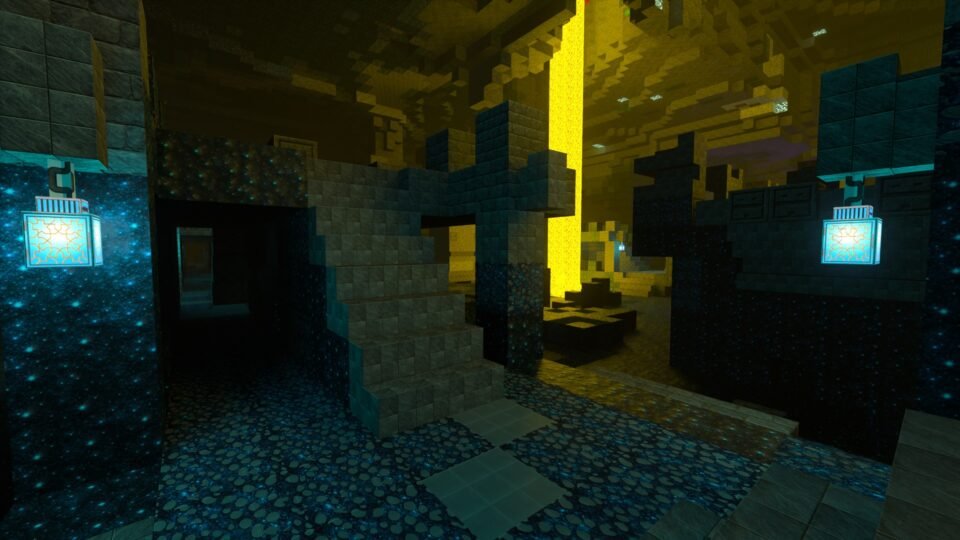
PBR material textures
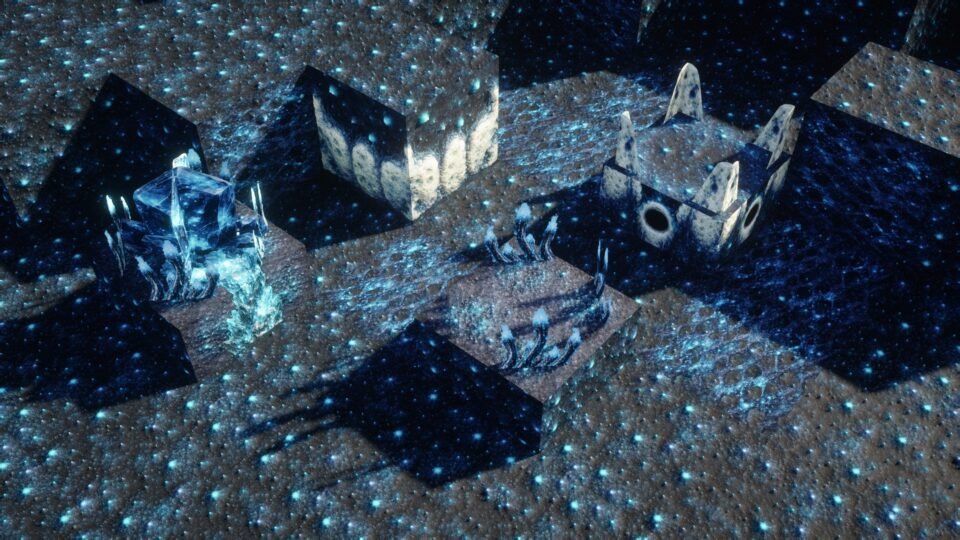
Normal and specular maps provide surface detail and material properties such as roughness, reflective and metallic finishes, and emissive effects in supported shaders.
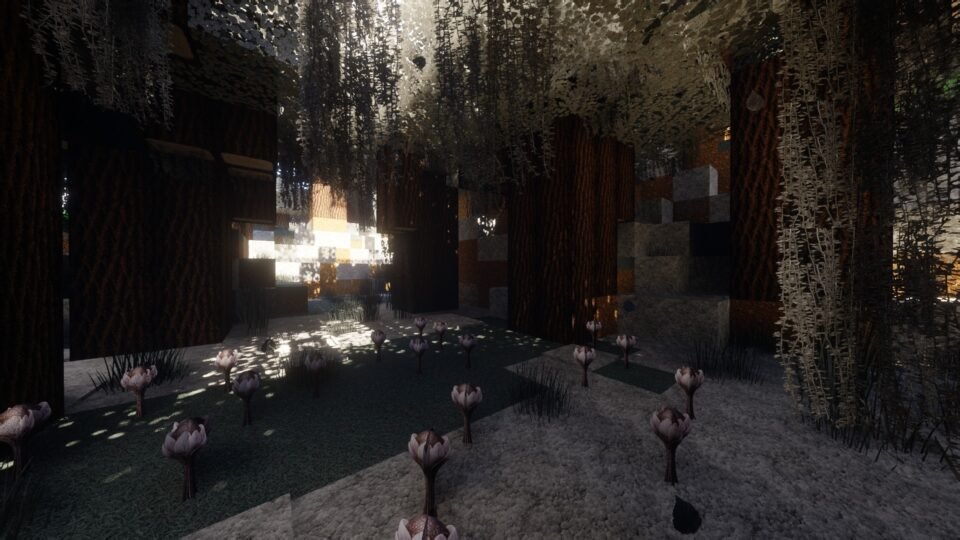
Legendary RT Java Textures is a realistic resource pack for Minecraft Java Edition. Its PBR materials add detailed roughness, reflections, metallic and emissive effects with compatible shaders. Optional POM adds visible surface depth. Download the free 128× edition or choose 256×, 512× or 1024× with Java membership.
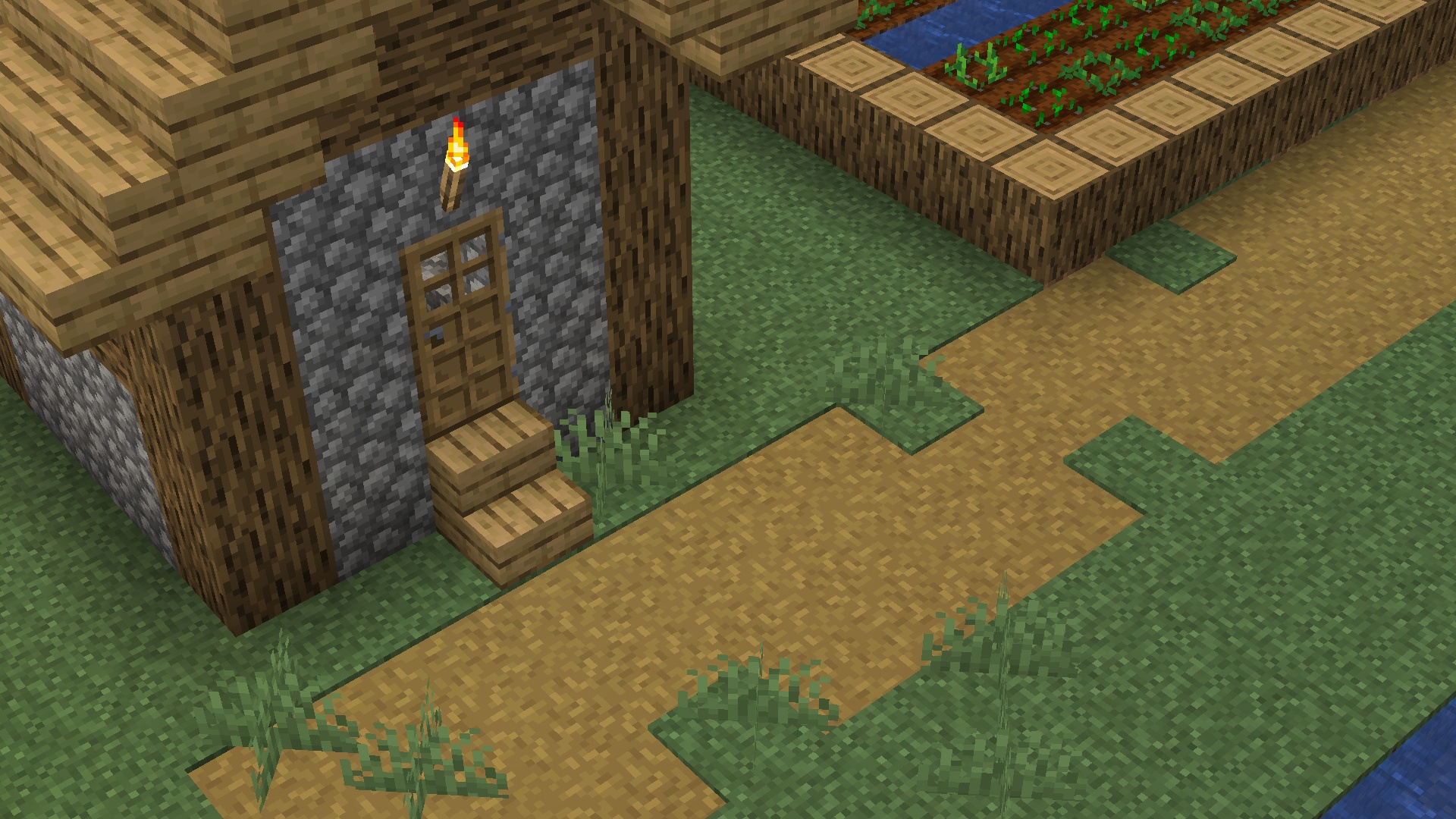
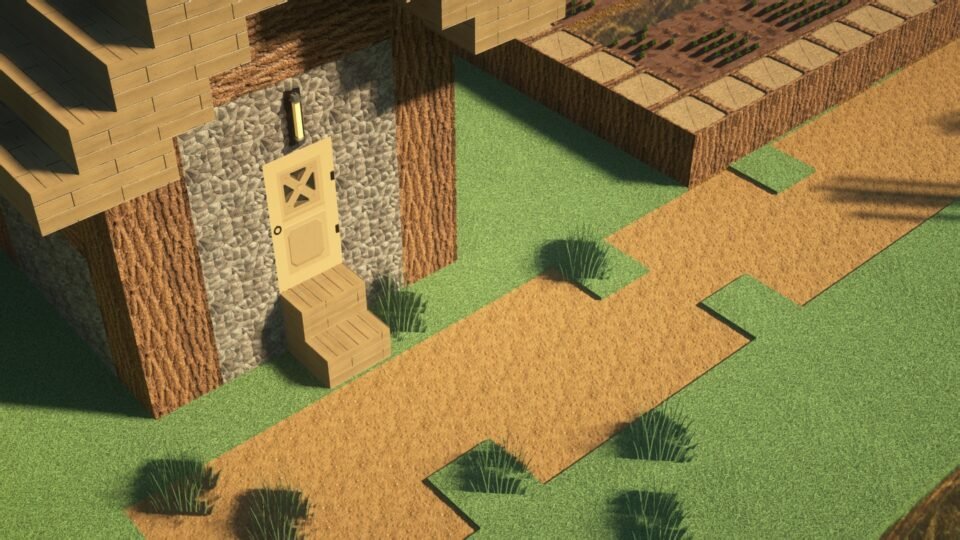
Legendary RT combines its Java textures into one base resource pack. It uses color, normal and specular maps for PBR materials, including roughness, metallic reflections and selected emissive details. These effects depend on the shader and its settings.
The 128× base pack is free. Java membership provides 256×, 512× and 1024× resolutions plus six optional addons for glass, terrain, grass, leaves, mobs, items and paintings.
Normal and specular maps provide surface detail and material properties such as roughness, reflective and metallic finishes, and emissive effects in supported shaders.
Parallax Occlusion Mapping creates the appearance of depth on supported textures without adding block geometry. Enable it in a compatible shader; it can affect performance.
The 128× edition is free. Members can download 256×, 512× and 1024×. Higher resolutions require more graphics memory; 512× is a practical choice for many systems.
Choose separate addons for Frosted Glass, Overlays, Dense Grass, Mobs & Items, Realistic Leaves and Modern Paintings.
Choose the download that matches your Minecraft version. On Fabric/Iris, supported connected textures and colormaps can use LRT Visuals as an alternative to Continuity and Polytone for those features. Check system requirements →
02 / Gallery
Explore Legendary RT Java Textures in Minecraft. Select an image to view it in full size.
Select an image to enlarge · ← → to browse
03 / Choose your download
Get the free 128× base pack, or access 256×, 512×, 1024× and six optional addons with Java membership.
 Free · 128×
The free 128× version of Legendary RT Java Textures, with PBR maps and optional shader-based POM. Download the release that matches your Minecraft version.
 Member · Higher resolutions
Access the same Java base pack at 256×, 512× or 1024×, plus all six optional addons through the Java Patreon membership. Higher resolutions use more graphics memory.
Member downloads: Sign in to Patreon to access files included with your membership.
Six optional Java addons are available with the applicable Patreon membership. Install only the ones you want.
 MEMBER ADD-ON
 MEMBER ADD-ON
Adds smoother transitions between supported grass, sand, red sand and snow textures.
 MEMBER ADD-ON
 MEMBER ADD-ON
 MEMBER ADD-ON
 MEMBER ADD-ON
Replaces selected in-game paintings with modern artwork for builds and interiors.
Choose the pack release for your Minecraft version. Use either OptiFine or Fabric/Iris and follow its separate installation guide.
04 INSTALLATION
Follow these steps, then choose a detailed guide for your setup below.
Choose a ZIP that matches your Minecraft version and preferred resolution (128×, 256×, 512× or 1024×).
Install OptiFine, or Fabric with Iris and Sodium. For supported connected textures and colors on Fabric, use LRT Visuals or the documented companion mods.
Place the unchanged ZIP in resourcepacks, then enable it under Options → Resource Packs. Put any optional LRT addon packs above the base pack.
Choose a compatible shader and enable its PBR materials. Turn on POM only if your shader supports it and your hardware can handle it.
Try the free 128× pack or a lower member resolution, reduce render distance and shader quality, and disable POM if needed. If loading still fails, check RAM, GPU memory and mod compatibility.
Use the system requirements guide and reload troubleshooting, or ask in Discord.
Open a support ticket in our Discord server, or email admin@legendaryrttextures.com.
Yes. Please give credit for the texture pack and link to the official website for downloads. Do not re-upload the texture pack files or offer them from another source.
No matching questions. Try a different term, or ask in Discord.
06 Contact & support
For installation, download access, bug reports or billing, use the official support channels.
Installation questions, issues and release discussions.
Join the Discord server ↗Billing, subscriptions, partnerships and questions best handled by email.
admin@legendaryrttextures.com ↗For billing help, include the email associated with your purchase. Never share passwords or payment-card details.
Send this message to our support inbox. For other contact options, see our contact page ↗.