
Installing and Activating LRT SCI-FI Mod for Forge
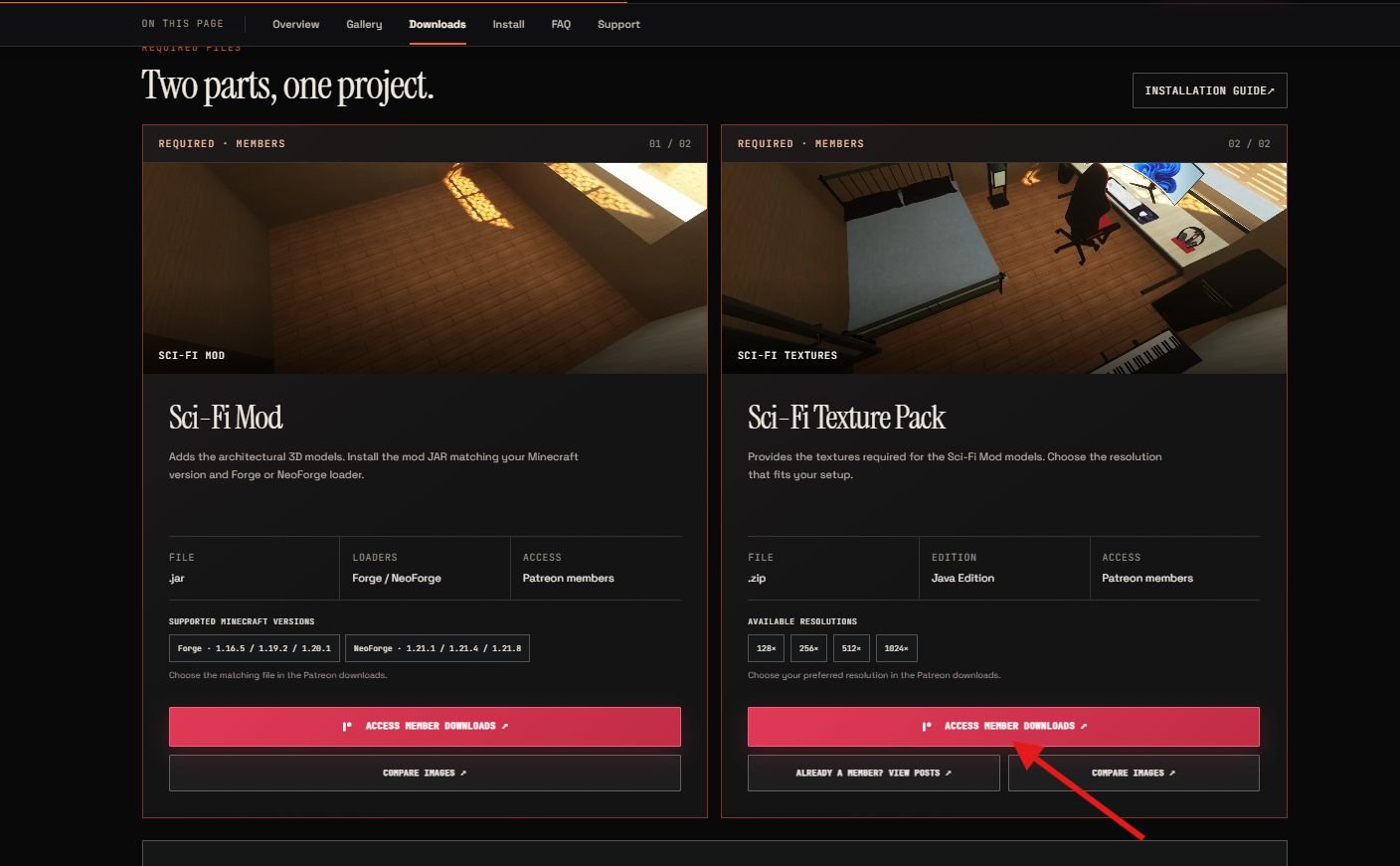
- Open the official Sci-Fi Mod project page: https://legendaryrttextures.com/project/legendary-rt-sci-fi-mod/. Click "Download ↓" in the project hero to jump to the Downloads section.

- Get the free Sci-Fi Mod JAR for your Minecraft version from the project downloads. The companion Sci-Fi Texture Pack requires a Java Patreon membership; open the texture-pack download post to obtain its ZIP.

- Select the free Forge Sci-Fi Mod JAR that matches your Minecraft version (1.16.5, 1.19.2 or 1.20.1). Do not install a build for the other loader.
Open Sci-Fi Texture Pack on Patreon ↗

- On the Sci-Fi Texture Pack Patreon post, select the ZIP matching your Forge and Minecraft version, then choose a supported 128×, 256×, 512× or 1024× resolution. 512× offers a practical balance of detail and performance on capable PCs.

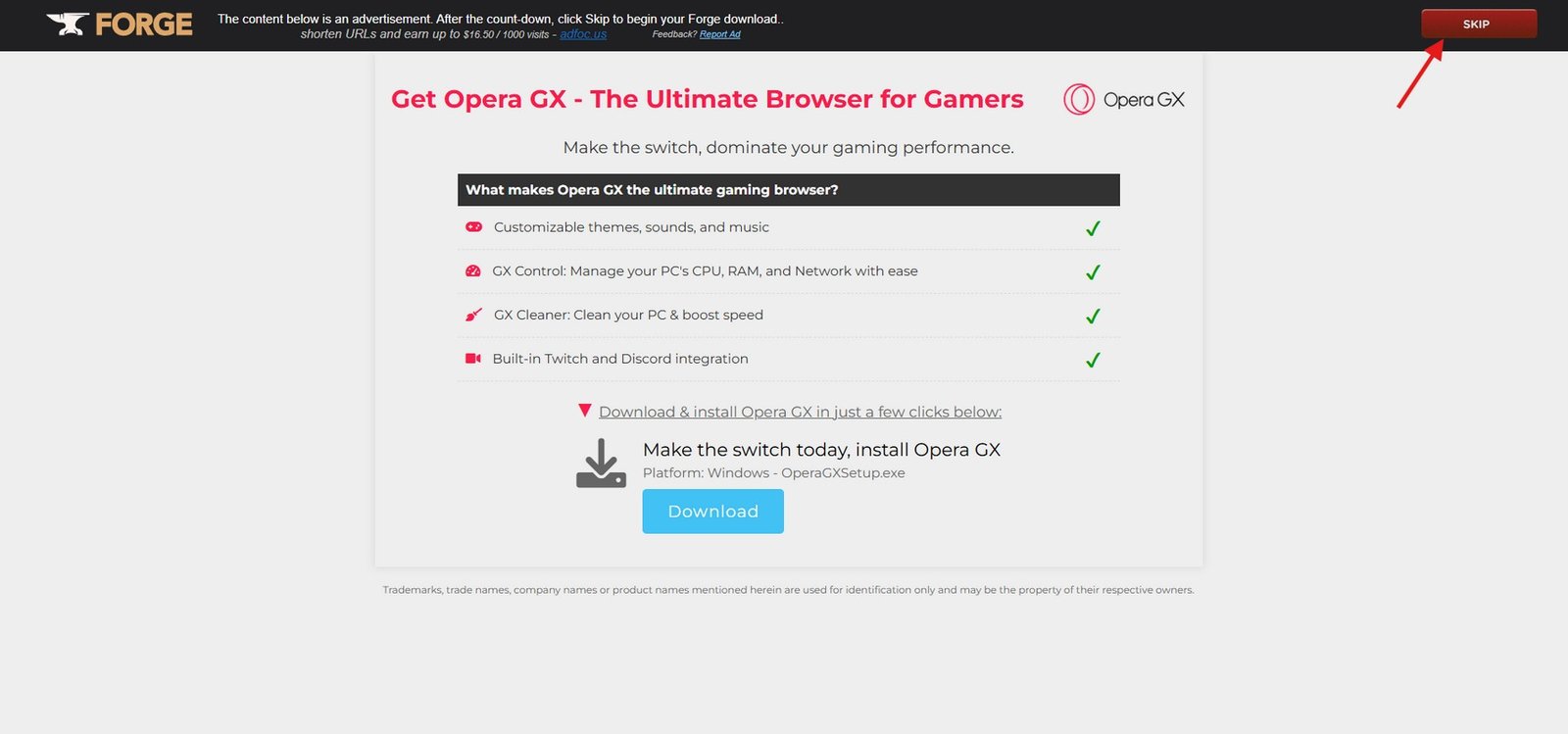
- Navigate to the official Forge website at https://files.minecraftforge.net/net/minecraftforge/forge/ and download the recommended Forge version that matches the SCI-FI mod (e.g., 1.20.1).


- Go to the official Optifine website at https://optifine.net/downloads and, if you want optional shader effects, download a compatible OptiFine version for the same Minecraft version (e.g., 1.20.1), avoiding preview versions.

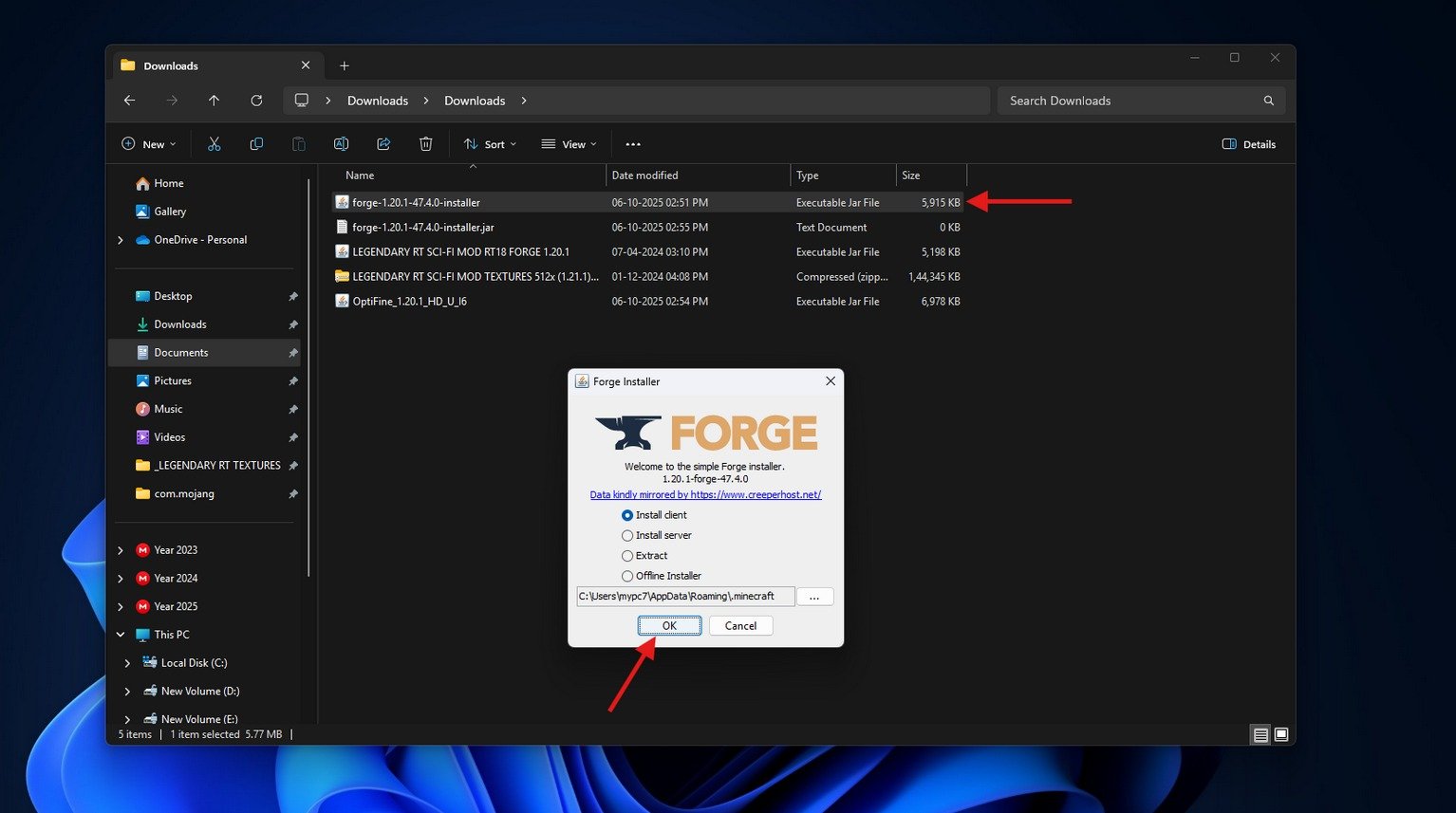
- Install Forge by double-clicking the downloaded jar file and following the installation prompts.


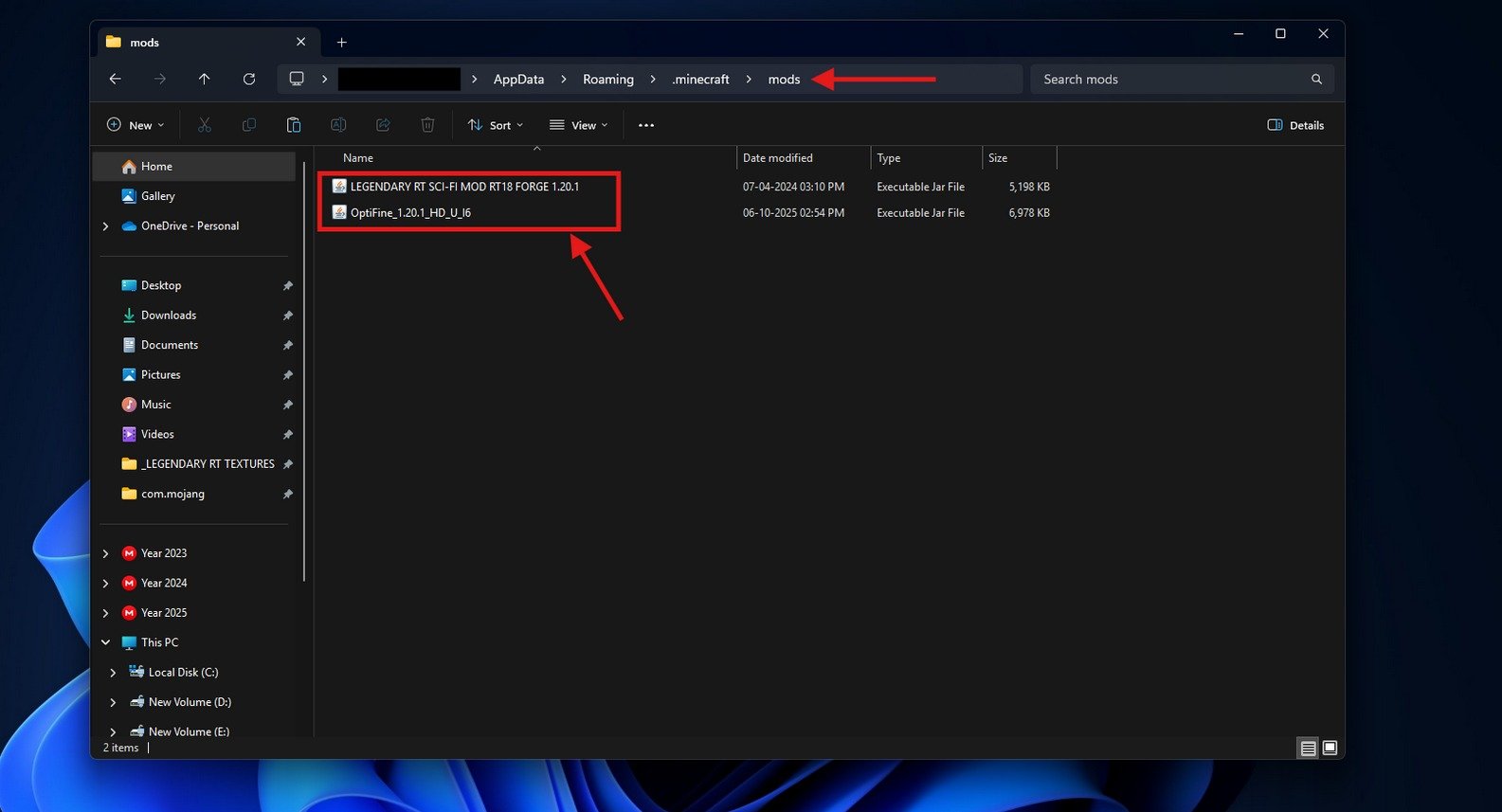
- Press Win+R, type "%appdata%" to open the Roaming folder, then navigate to .minecraft folder. If there's no "mods" folder, create one. Copy the SCI-FI mod jar file and Optifine jar file into the mods folder.


- Open the "resourcepacks" folder in the .minecraft directory and paste the downloaded texture pack file.

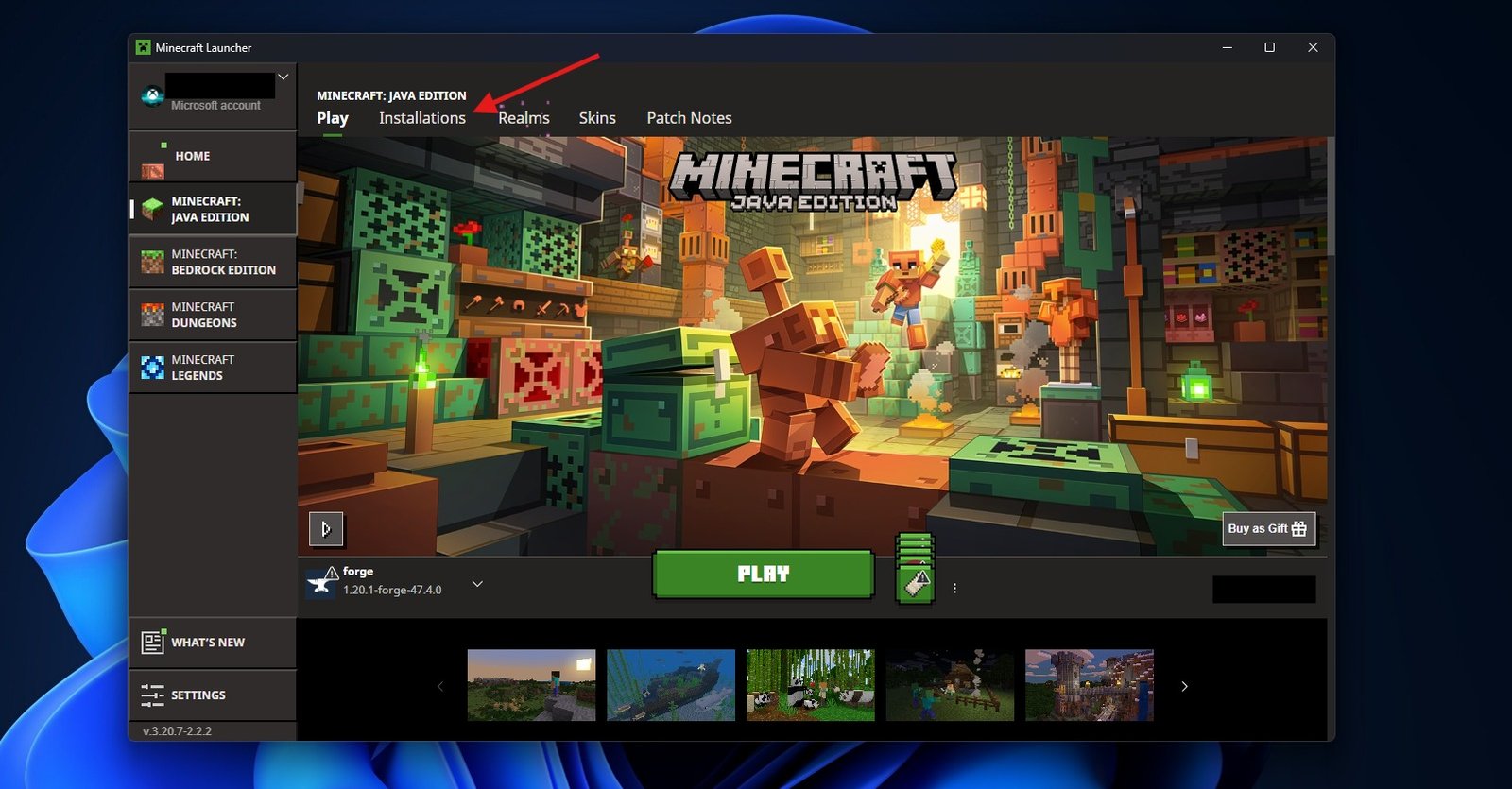
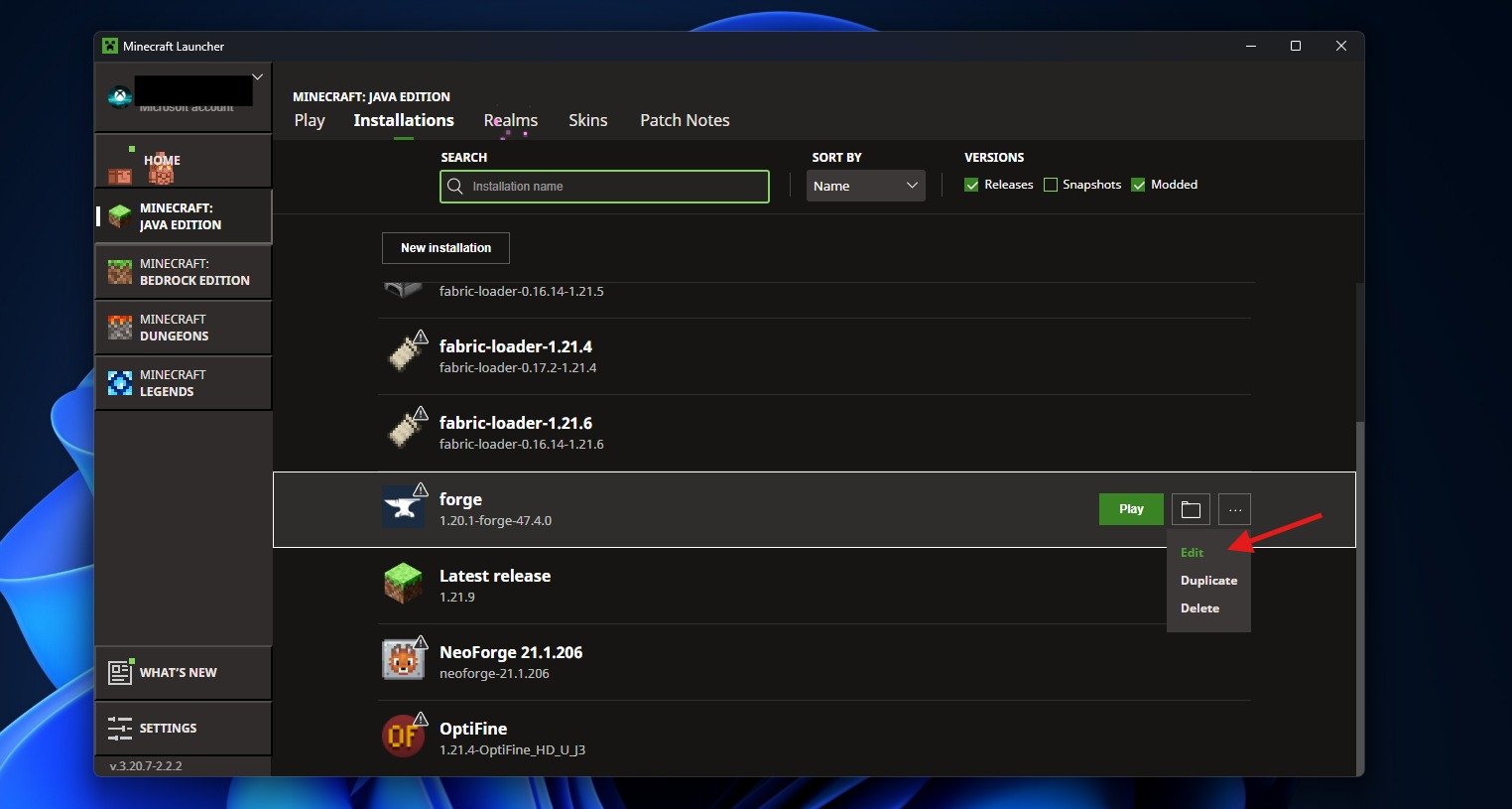
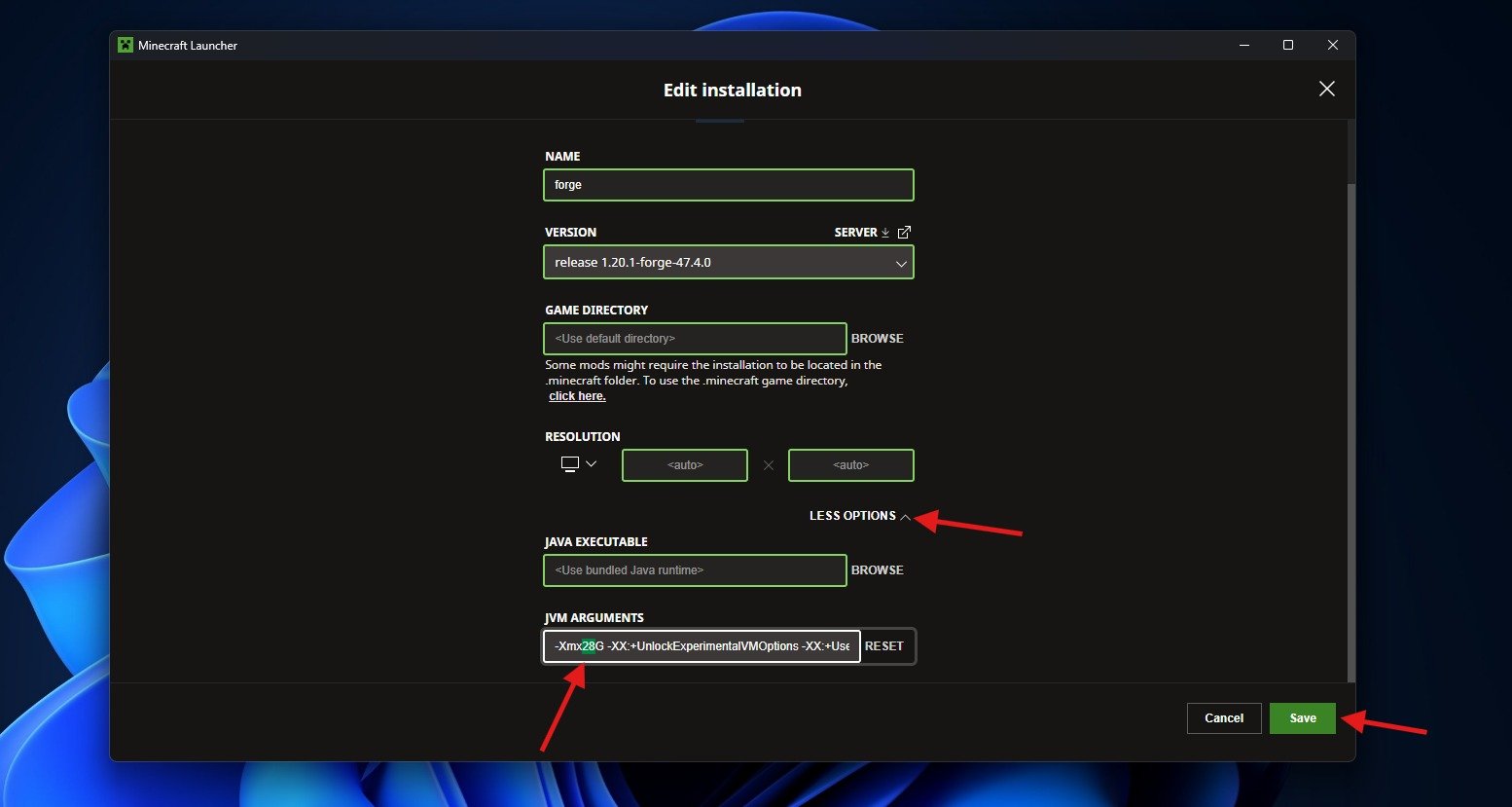
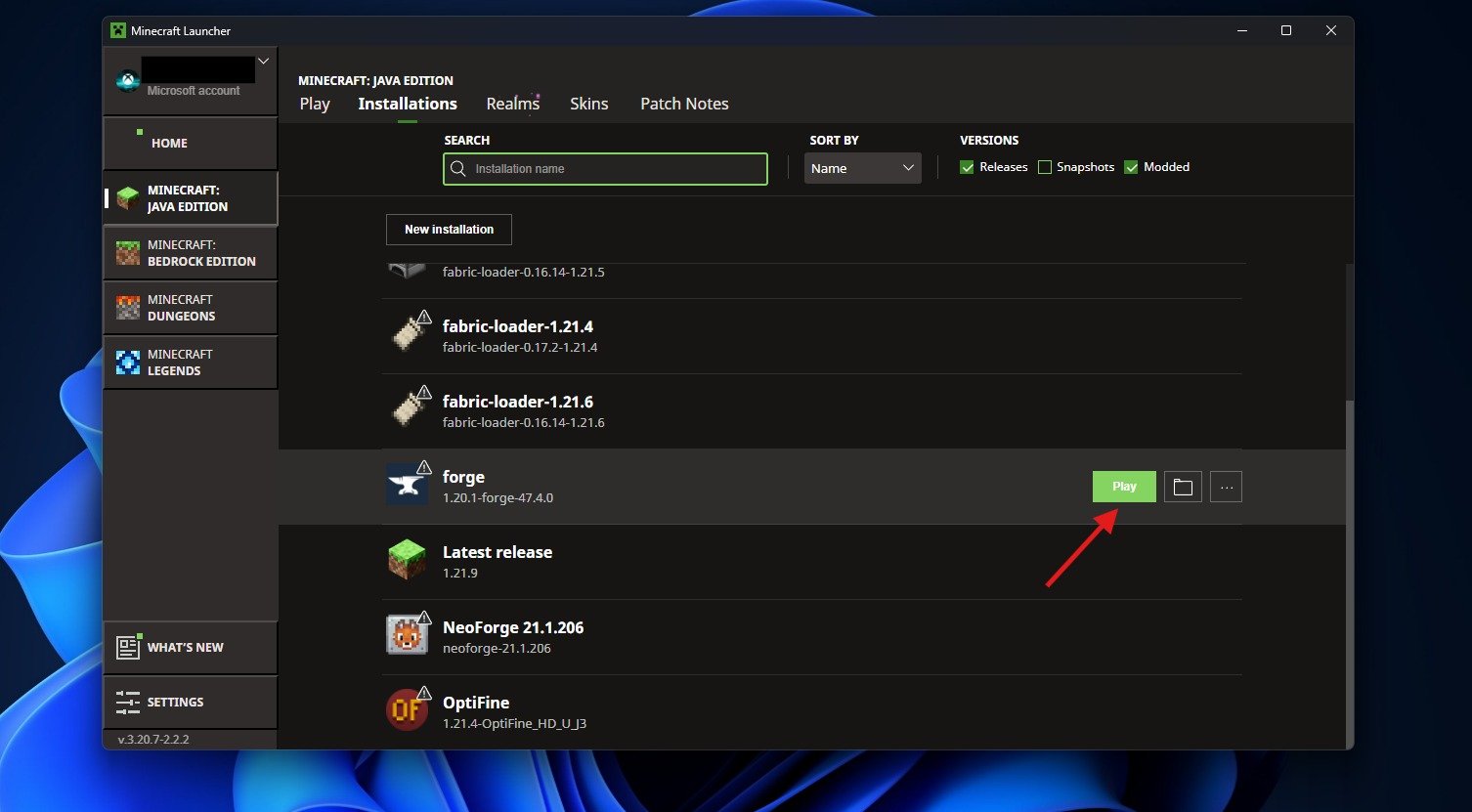
- Launch Minecraft with the installed Forge profile. If higher-resolution packs need more memory, increase Minecraft’s RAM allocation gradually while leaving enough RAM for your operating system and other applications.


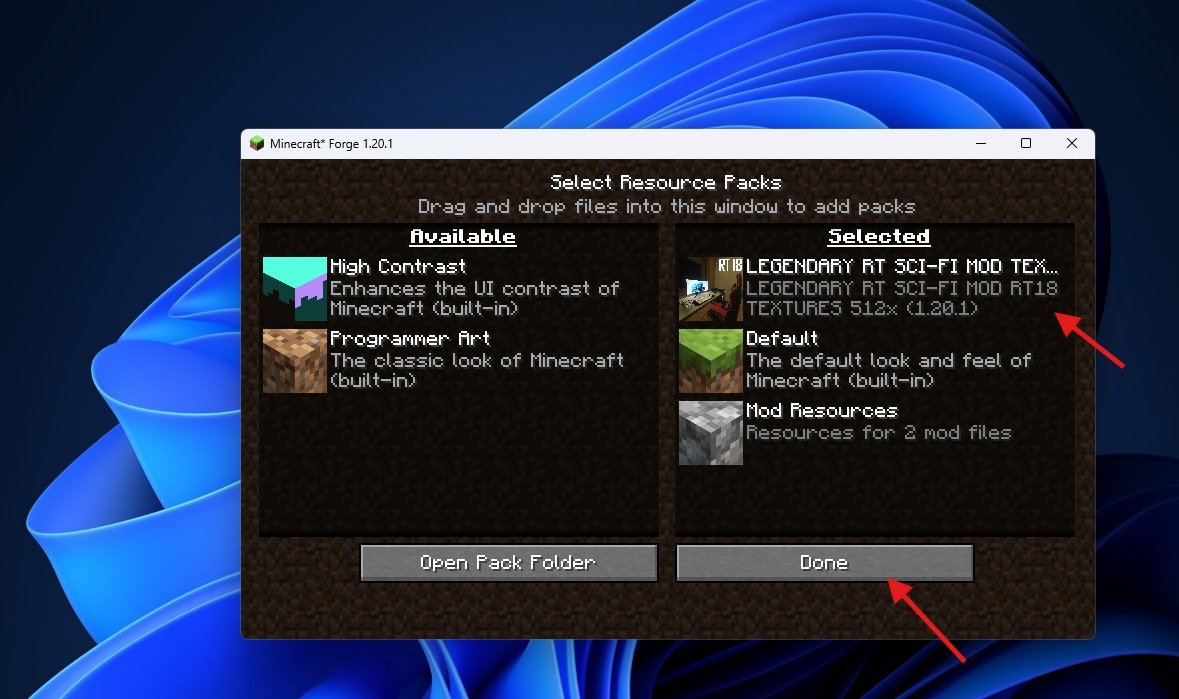
- In Minecraft, go to Options > Resource Packs and activate the SCI-FI texture pack.

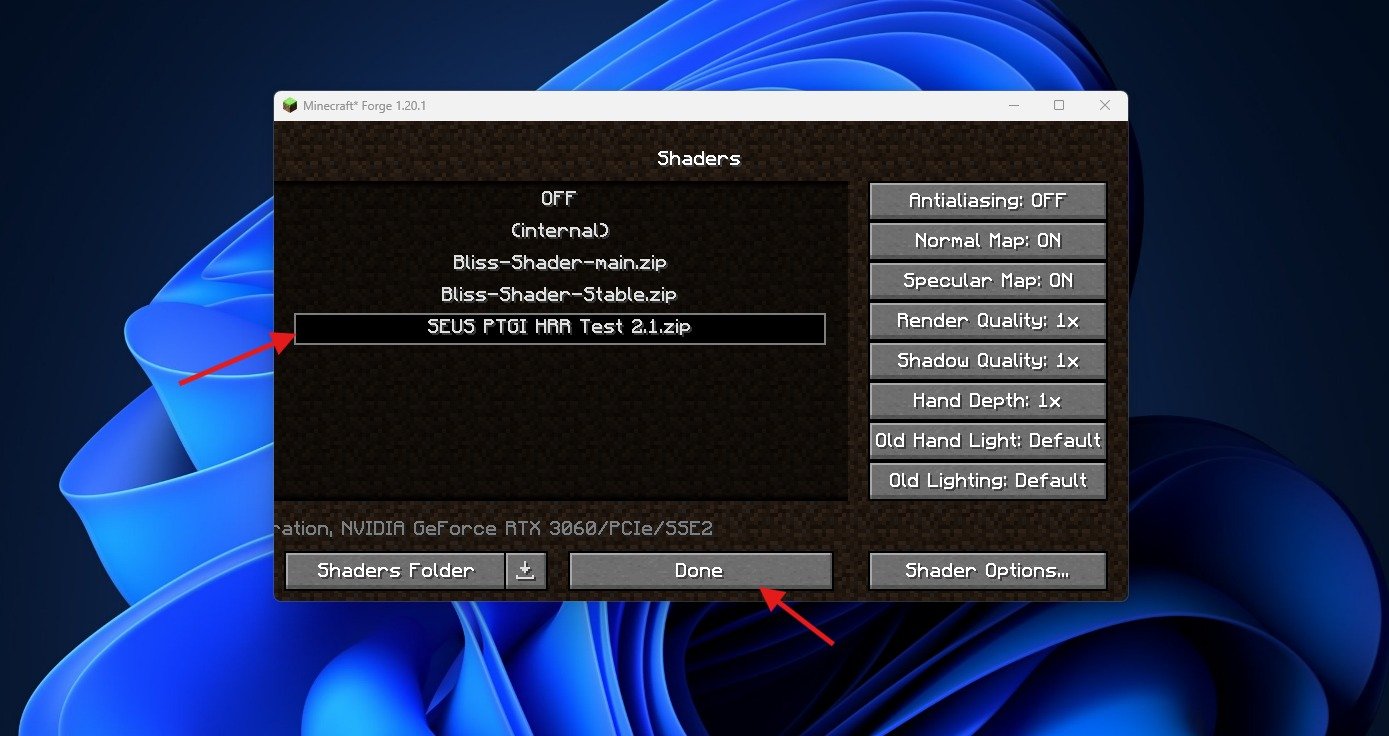
- Navigate to Options > Video Settings > Shaders and activate a shader. We recommend using SEUS PTGI shader for the best experience.








Open your existing world or create a new creative world to enjoy the stunning visuals and features of the LRT SCI-FI Mod with Forge!